Includes musicians, writers, scenesters, and actors who made the 1960s, 1970s and 1980s special to me in NYC.
I keep this list because I can’t keep all the dead I want to remember in my head.
Billy Murcia 1951-1972 Sid Vicious 1957-1979 Jessy Blue d. 1980? George Scott 1953-1980 Bobby Battery d. 1981? Lester Bangs 1948-1982 Klaus Nomi 1944-1983 Ricky Wilson 1953-1985 Andy Warhol 1928-1987 Jean-Michel Basquiat 1960-1988 Nico 1938-1988 Ondine 1937-1989 Stiv Bators 1949-1990 Richard Sohl 1953-1990 Bradley Field d. 1990? Johnny Thunders 1952-1991 Jerry Nolan 1946-1992 Ron Vawter 1948-1994 Sterling Morrison 1942-1995 Alan Betrock 1950-2000 Bryan Gregory 1951-2001 Lance Loud 1951-2001 Joey Ramone 1951-2001 Rockets Redglare 1949-2001 Dee Dee Ramone 1951-2002 Johnny Ramone 1948-2004 Arthur Kane 1949-2004 Bob Quine 1942-2004 Spalding Gray 1941-2004 Terry Ork 1943-2004 Hilly Kristal 1931-2007 Willy DeVille 1950-2009 Lux Interior 1946-2009 Alex Chilton 1950-2010 Lou Reed 1942-2013 Stephen Saban 1945-2018 Cynthia Heimel 1947-2018 “Bleecker” Bob Plotnik 1943-2018 Ivan Kral 1948-2020 Sylvain Sylvain 1951-2021 Dee Pop 1956?-2021 Greg Tate 1957-2021 Annie Flanders 1939-2022 Robert Gordon 1947-2022 Tom Verlaine 1949-2023
I’m leaving tomorrow on a 9-day solo bicycle trip to Boston. I will be keeping a journal on crazyguyonabike.com, known to its fans as CGOAB. It’s a site specifically for bike touring journals, with a great community. You can follow me here:
I left my hotel in Vacaville early in the morning. I’m on an airline’s schedule now, not mine.
Drove over three bridges to get to San Francisco – the Carquinez, the Richmond-San Rafael, and the Golden Gate, which was thrilling.
I did it. I drove from NYC to San Francisco.
I’m in San Francisco!
Drove to Ocean Beach. All the times I’ve been to San Francisco I’ve never been there.
Finishing my trip at the Pacific Ocean, Ocean Beach, San Francisco
Pacific Ocean at San Francisco. My video
Down to SFO and returned Marge (the car). I drove 6,320 miles since NYC. The guy from National Car Rental asked, “Mr. Kooper, was the car OK?” I said “Yes, 6,000 miles of fun.”
It was the trip of a lifetime. I’m still digesting it all. I’m grateful I was able to take it.
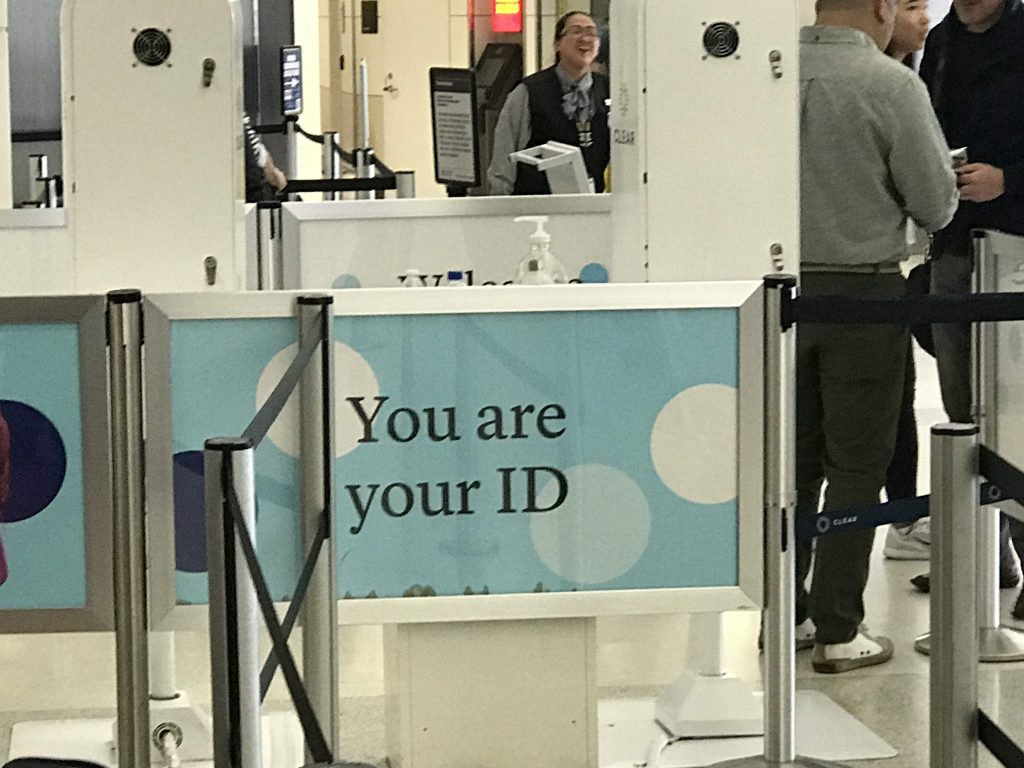
CLEAR channeling Jenny Holzer at SFO
I’ll be home when I’m sleeping I can’t hardly wait
Flew to JFK without incident.
I was welcomed home with hugs and kisses from Mary Beth and Max.
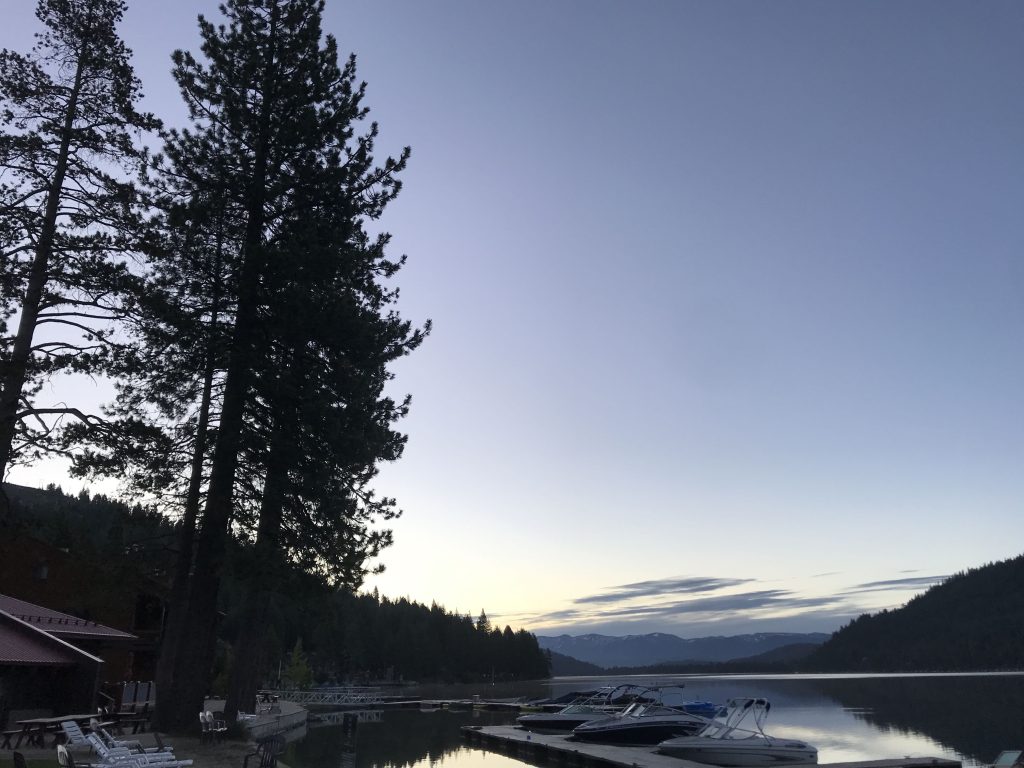
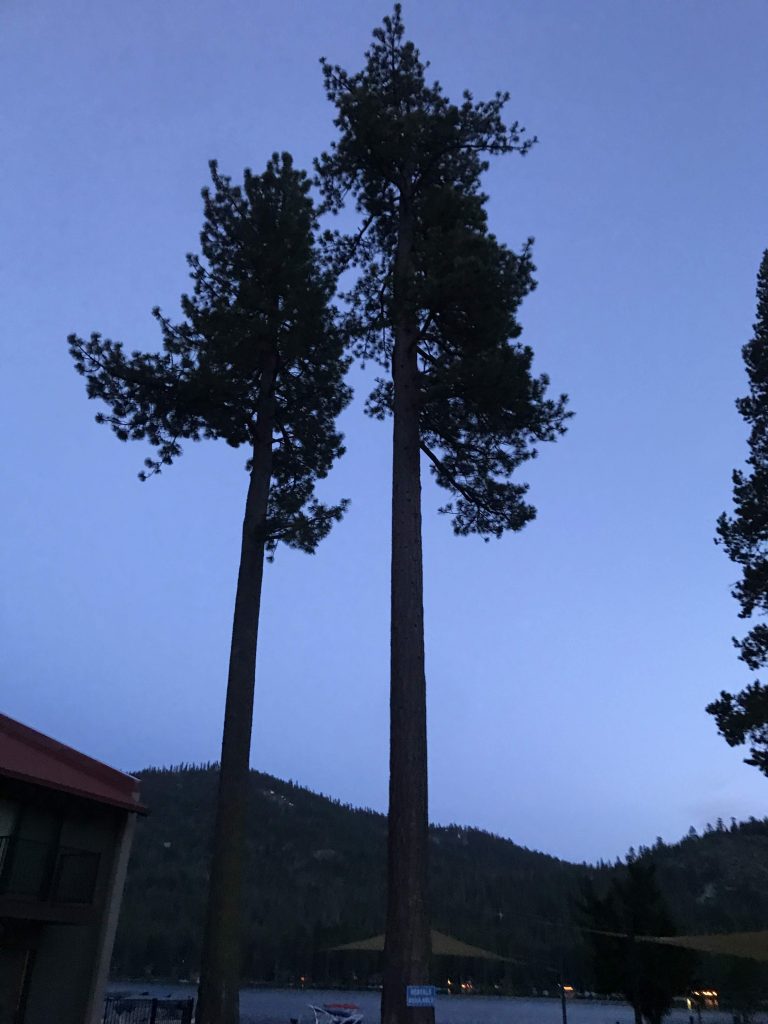
Morning, Donner Lake Village, Truckee, CAMorning, Donner Lake VillageMorning, Donner Lake Village
Went to Donner Lake Kitchen for breakfast. They offered sourdough as one of the bread choices, because I am in California! Also, coffee came with milk already added. A California thing too?
That would make a good road trip. All of California.
Over to Donner Memorial State Park.
The Donner Party was a party of emigrants headed from Illinois to California in 1846. At the time, the California wagon trail had only existed for two years. The trip typically took six months. The Donner Party was late in getting started. Later, they decided to take what was described as a shortcut (the “Hastings Cutoff”), which ended up costing them about a month extra. The Hastings Cutoff was actually longer than the main trail, and went through some difficult terrain. The party cut down trees and moved boulders out of the way crossing the Wasatch mountains in present-day Utah. They went through waterless salt flats in Utah and a forty-mile desert in Nevada.
By the end of October, when they arrived at the eastern slope of the Sierra Nevada (today’s Truckee), there was already three to four feet of powdery snow on the ground. 1846-1847 was an especially early and severe winter in the Sierras. They made several attempts to cross the summit. Heavy snow forced them back each time.
They set up two camps for the winter, one at what was then Truckee Lake (today Donner Lake), and one a few miles away at Alder Creek. Their food supplies ran out and they ate their oxen, dogs, ox hides, bones, and human dead. Around December 16, six weeks after they arrived at the mountain camps, a party of fifteen went for rescue on snowshoes they had made. It took 33 days for the snowshoe party (later named “The Forlorn Hope”) to reach help in California, eight of them dying on the way. There followed several rescue missions to get the remaining trapped people out of the mountains.
Of the 81 people at the two Sierra camps, 36 died from cold and starvation. 45 survived and started new lives in California. To this day there are descendants of the surviving families.
The people of the Donner Party were only human, but like all the pioneers they had superhuman courage and fortitude.
The Donner Lake camp site is today part of Donner Memorial State Park.
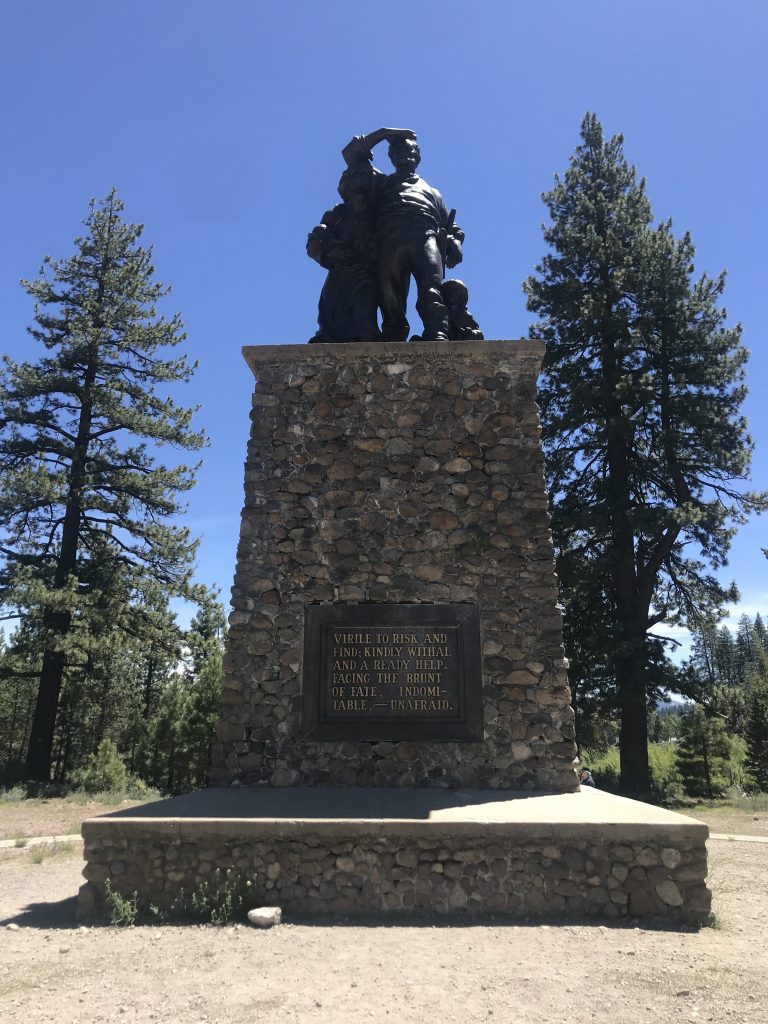
The Pioneer Monument, Donner Memorial State Park, Truckee. It stands on the site of one of the Donner Party cabins. At Donner Memorial State Park
Took a walk with Rick, a very knowledgeable docent.
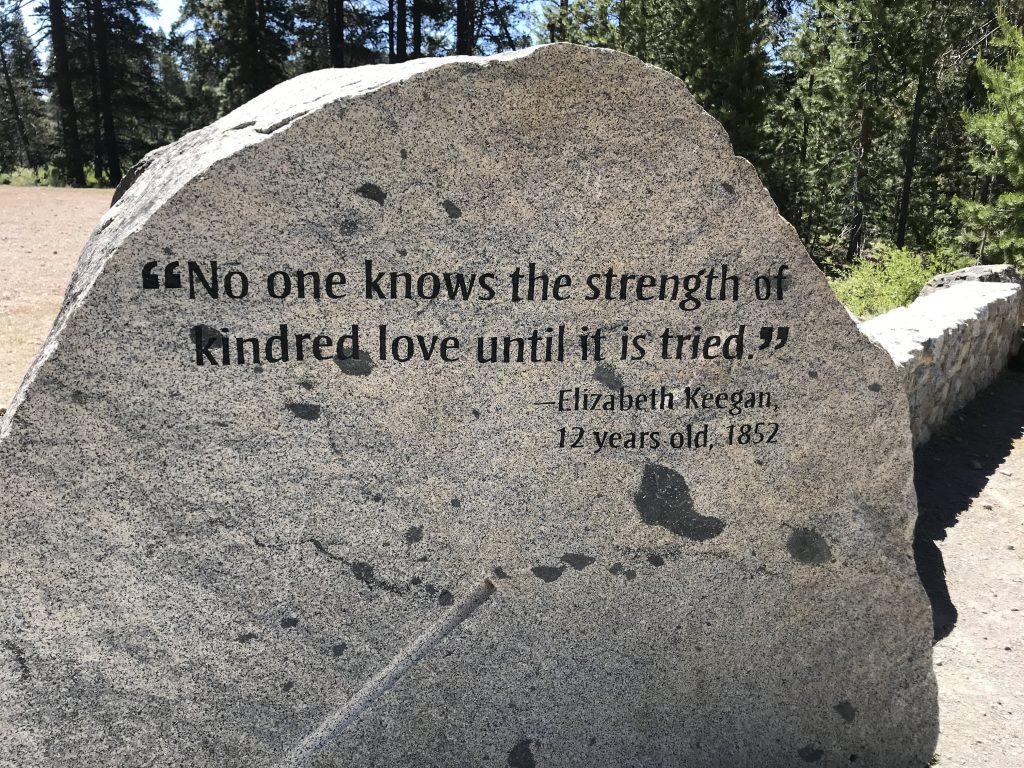
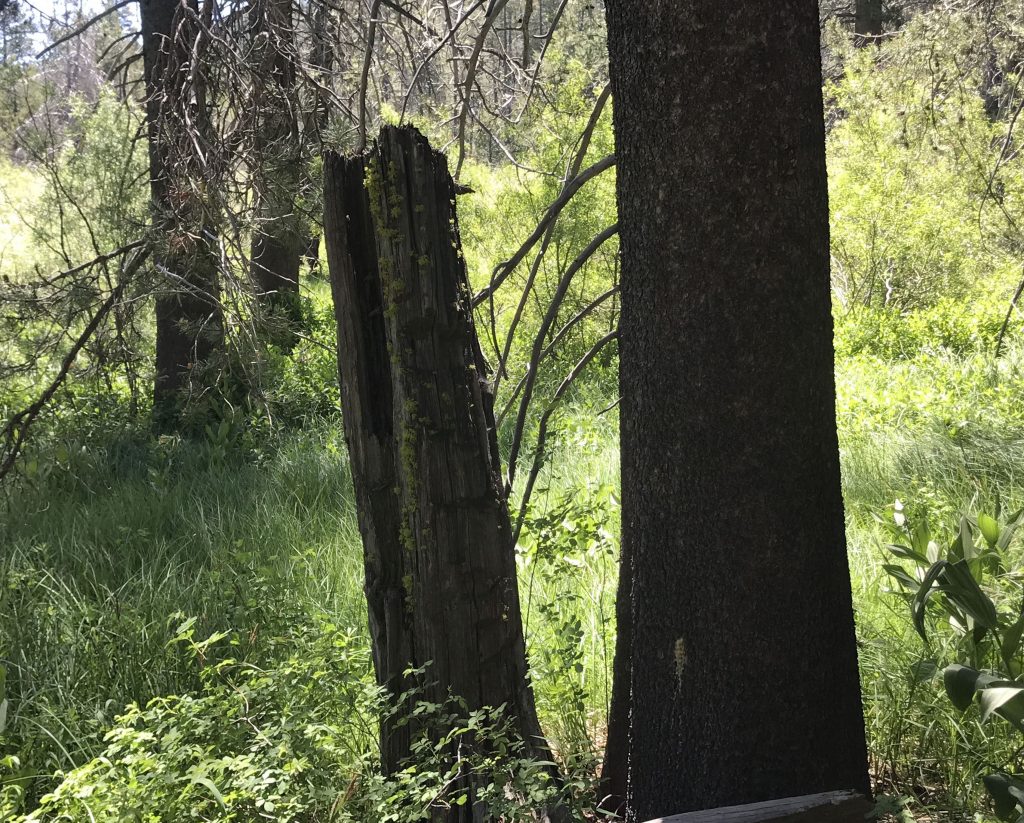
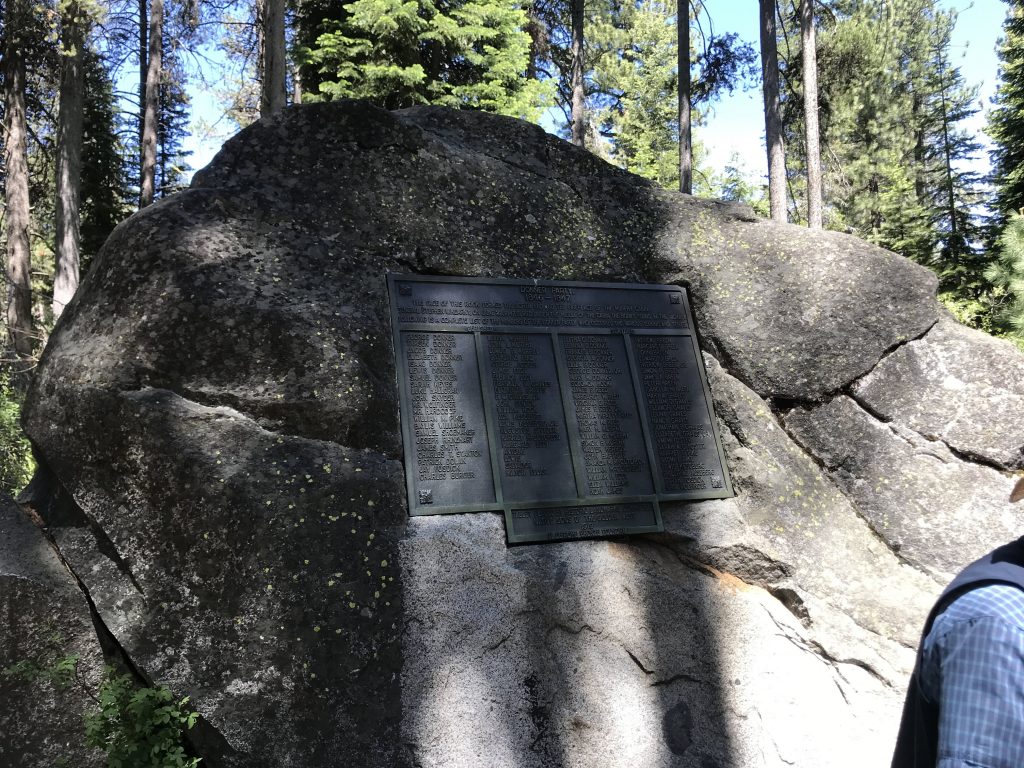
Tree stump remaining from 1846. The trapped emigrants cut down trees for firewood. The height of the stump is the depth of the snow at that time. Rock that some of the Donner Party used as a wall of one of the cabins. The plaque lists the dead and the survivors.
Visited the museum on site.
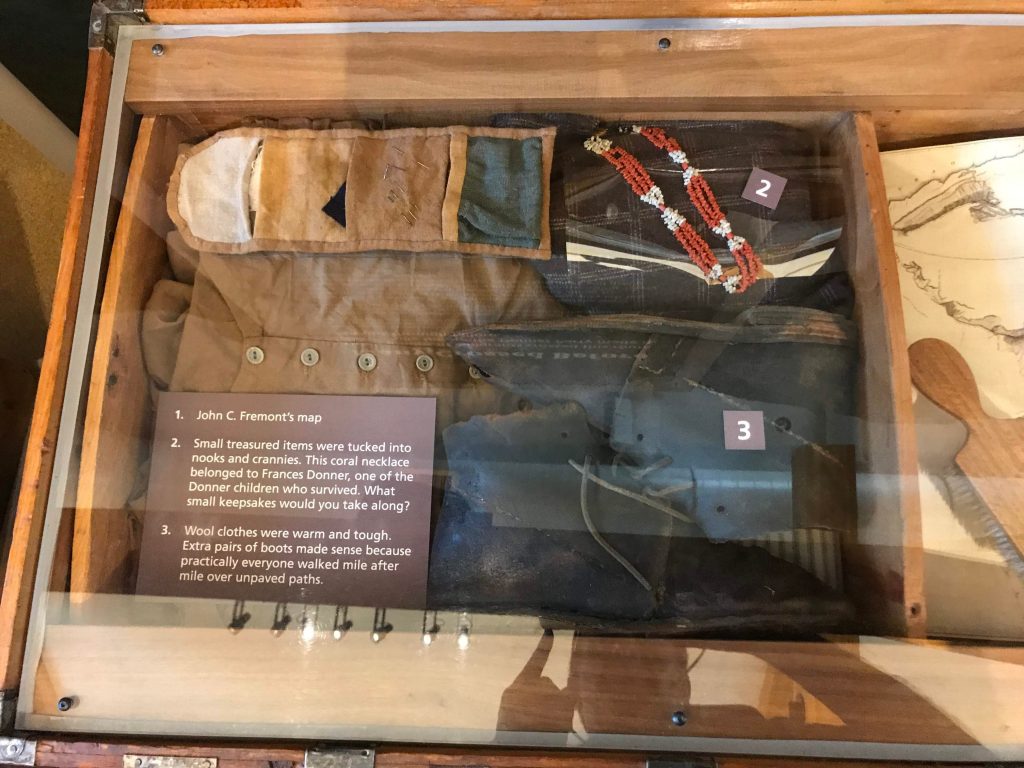
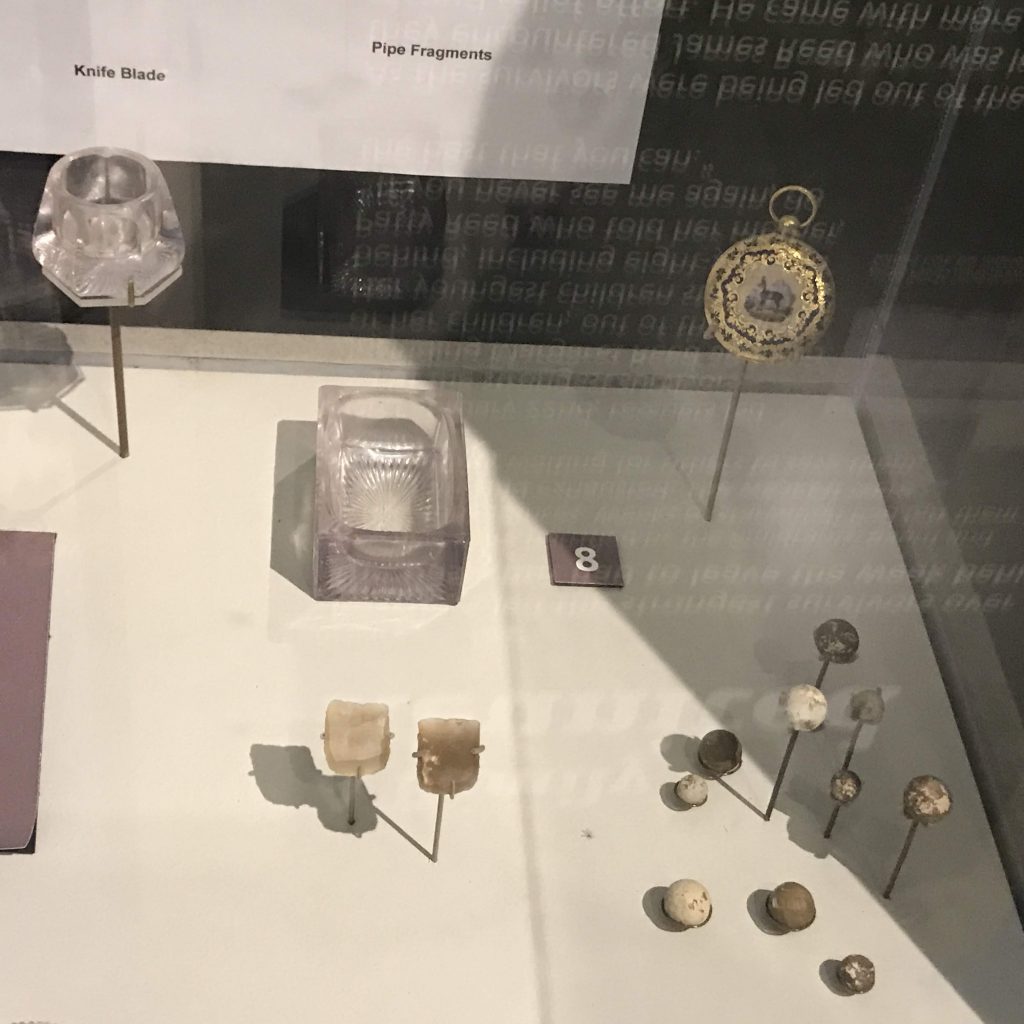
Coral necklace (upper right) belonging to Frances Donner, who survivedDonner Party relics, including (clockwise from upper left) a salt dish, a pepper dish, a watch, musket balls, and gun flints. All were found at the campsites.
After my lake visit I drove up to Alder Creek.
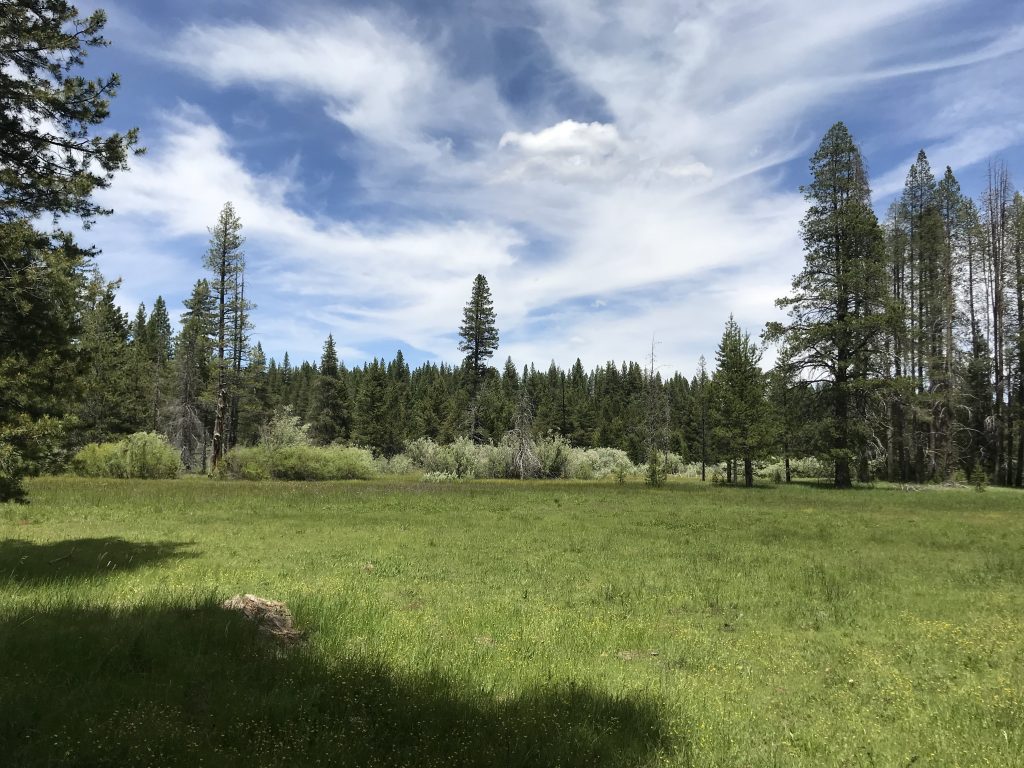
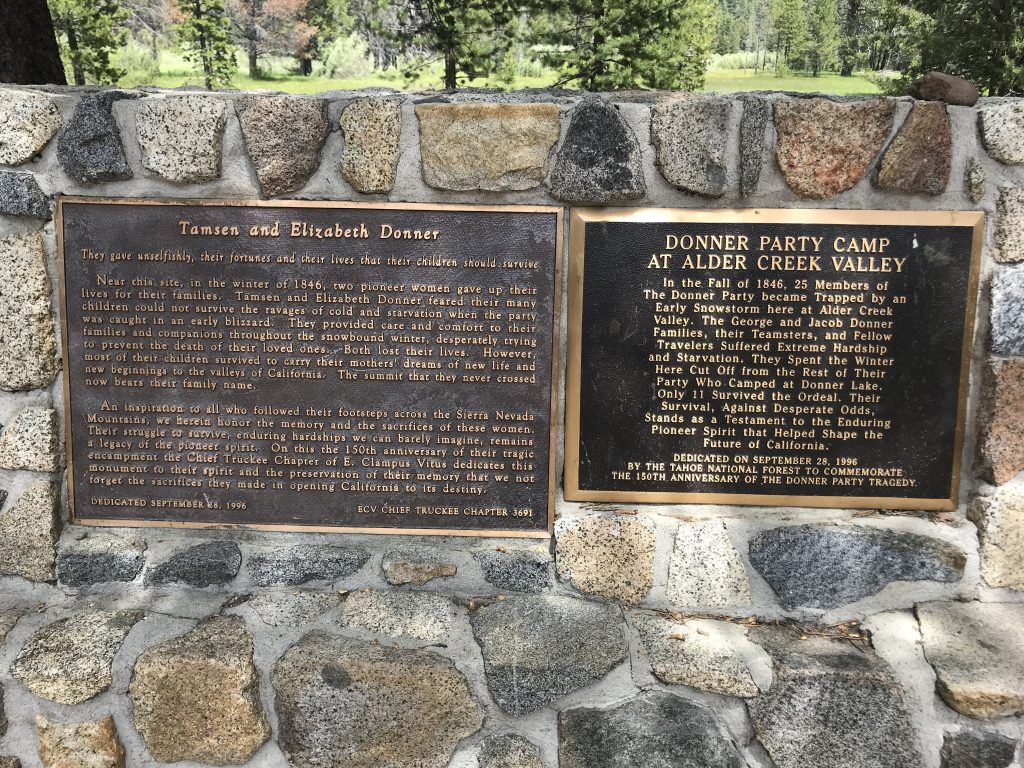
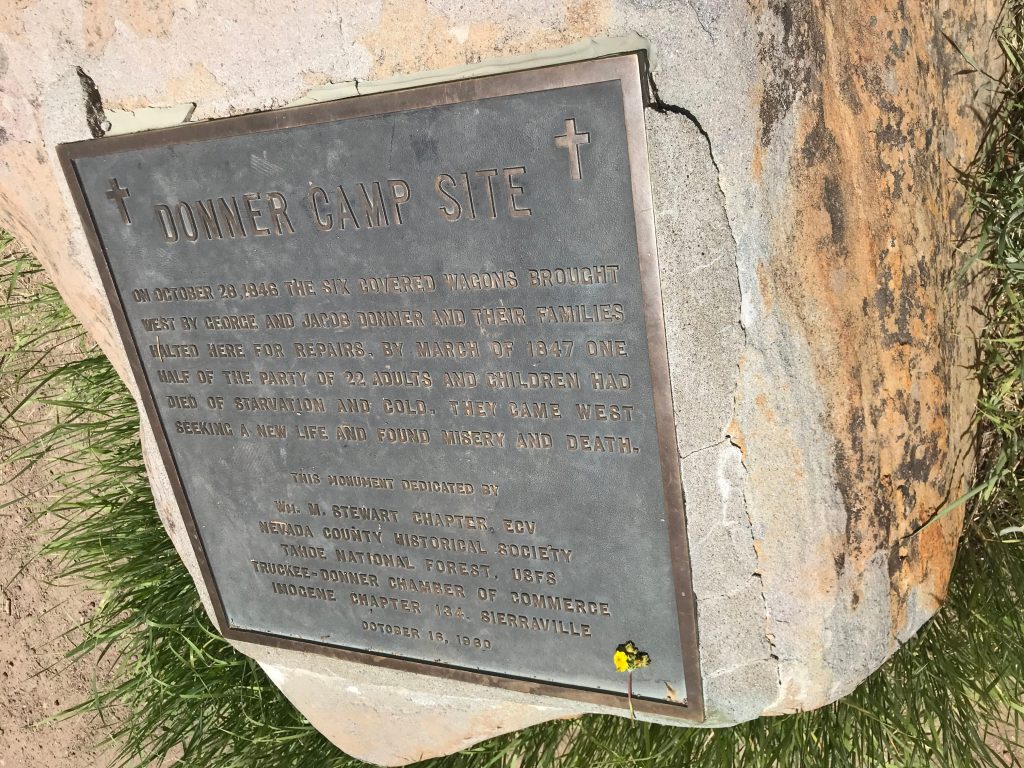
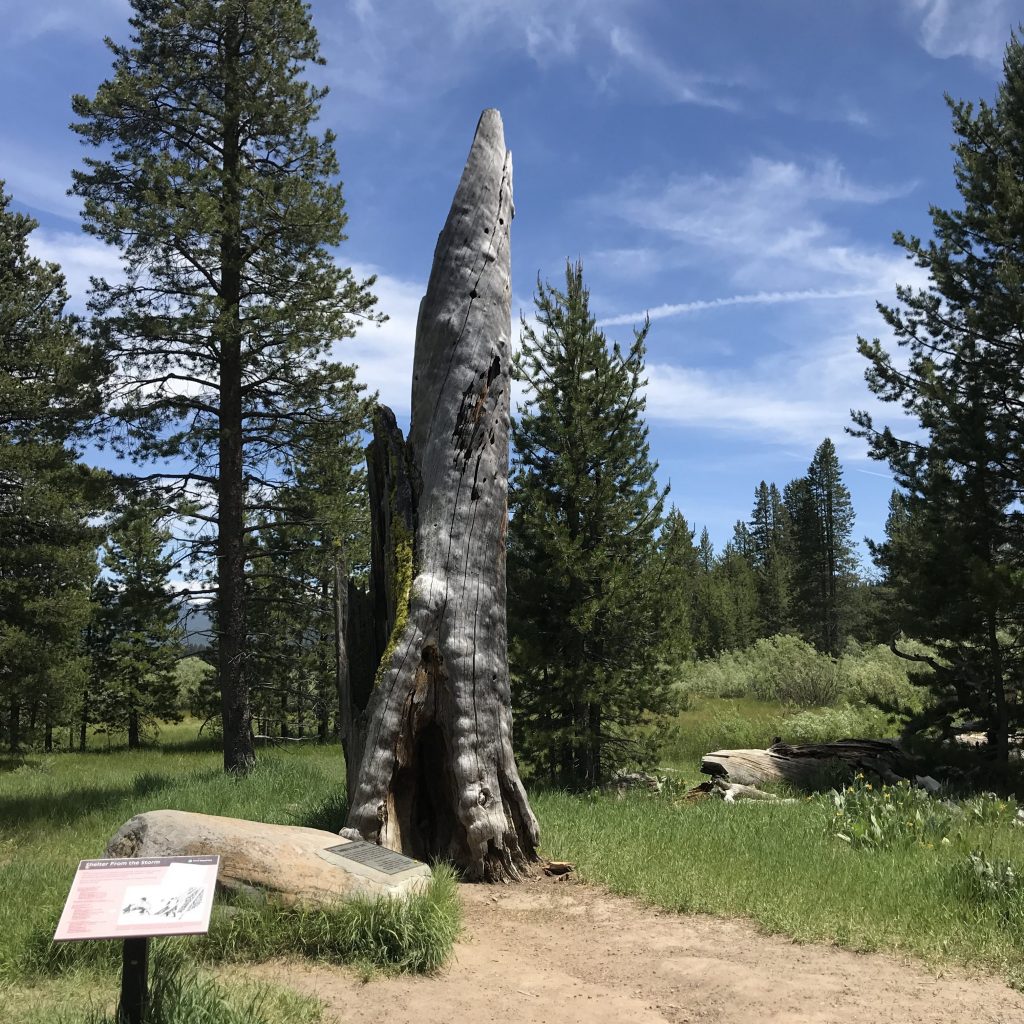
Where the Donner family camped at Alder Creek Plaques commemorating two women’s heroism and the whole Alder Creek partySite of the Donner camp at Alder CreekPossibly an 1846 tree stump
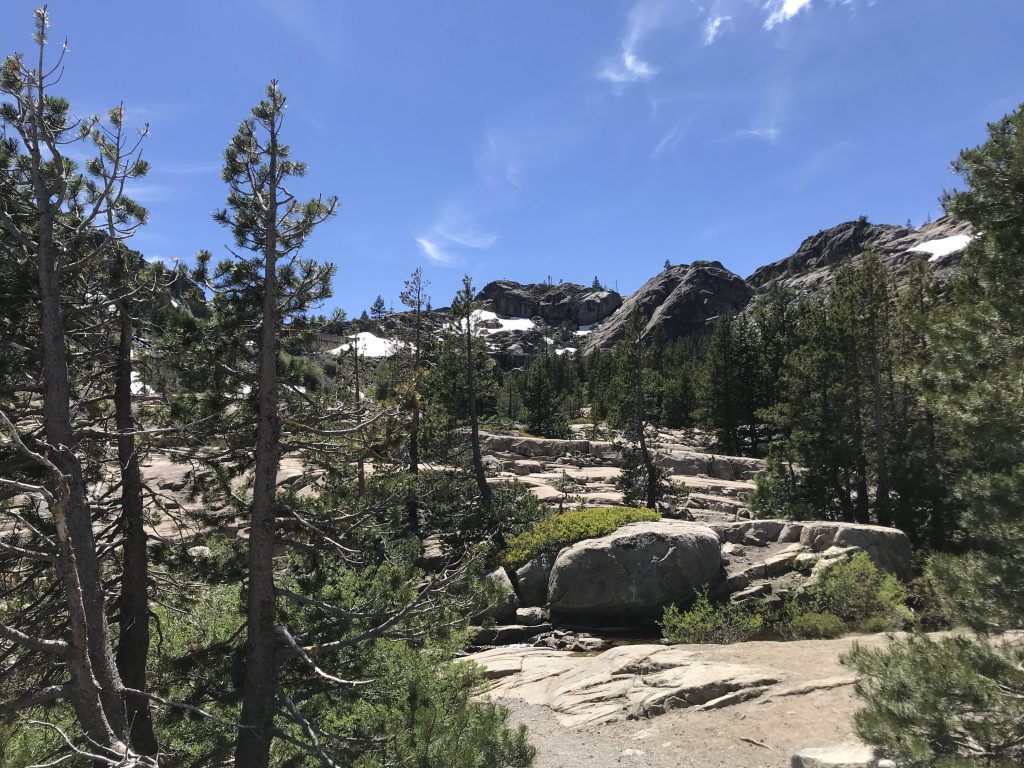
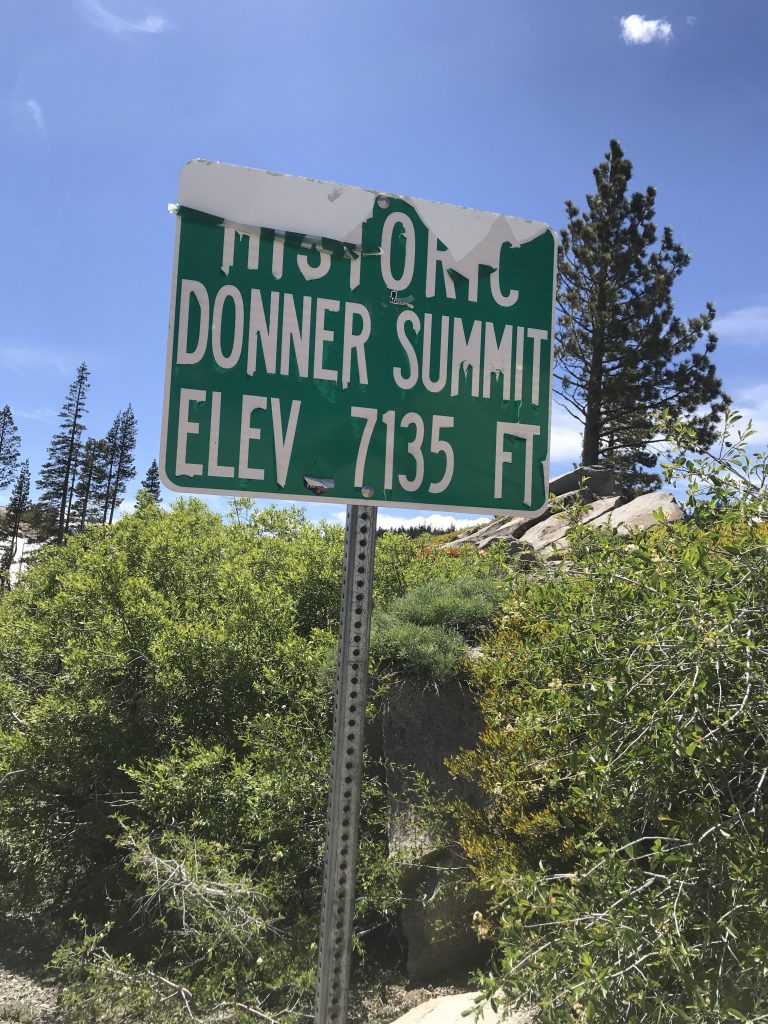
Drove over to the mountain pass that the Donner Party, and all who took the California Trail, used, today called Donner Summit or Donner Pass. A twisty two-lane road and beautiful views.
At Donner Summit
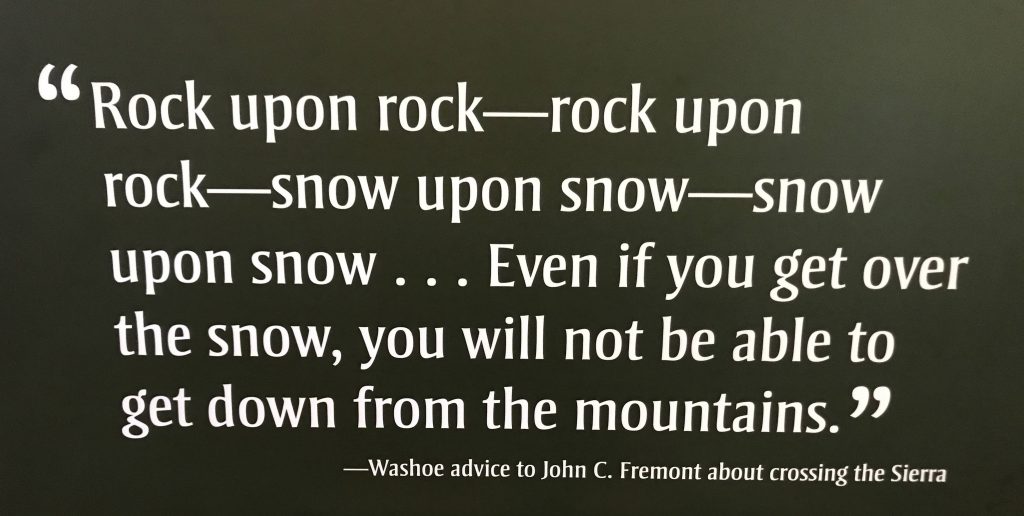
After that I made the trip down the western side of the Sierras, some fifty miles. “Getting down from the mountains” was long and difficult in pioneer times.
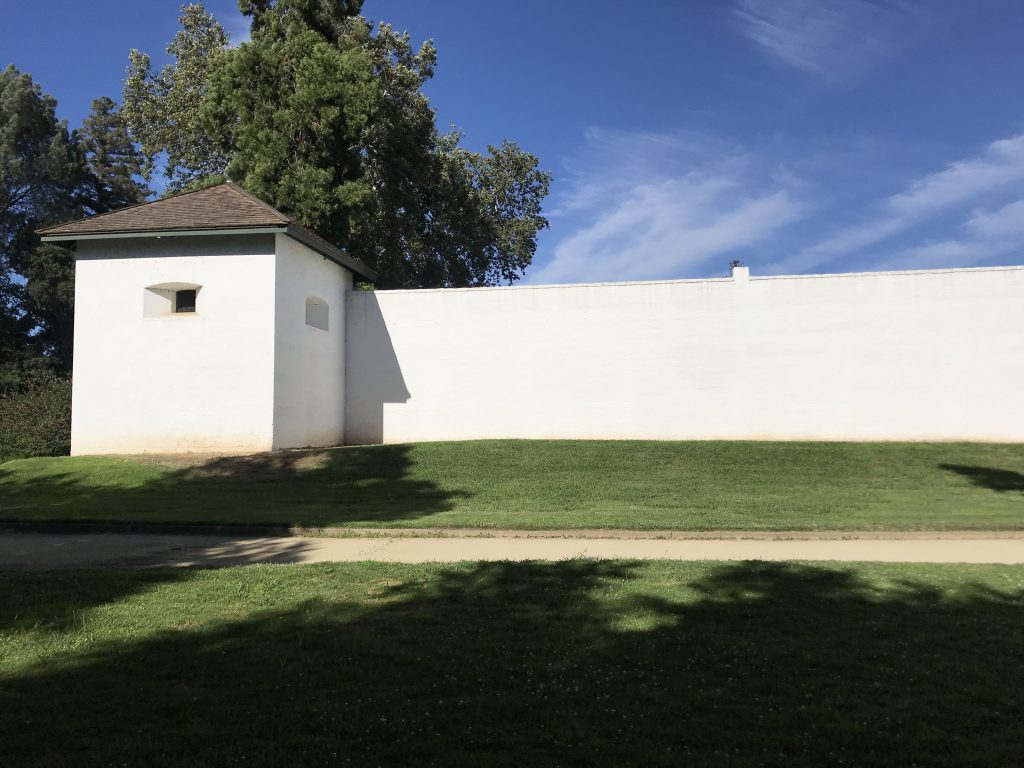
To Sacramento, where to give the story some closure, I stopped at Sutter’s Fort, the destination of the California Trail and where the Donner survivors ended their journey.
Sutter’s Fort, Sacramento
Stayed overnight in Vacaville, where I will plan the end of my own cross-USA journey.
If you’d like to know more I recommend: The Indifferent Stars Above: The Harrowing Saga of the Donner Party (2009) by Daniel James Brown Desperate Passage: The Donner Party’s Perilous Journey West (2008) by Ethan Rarick
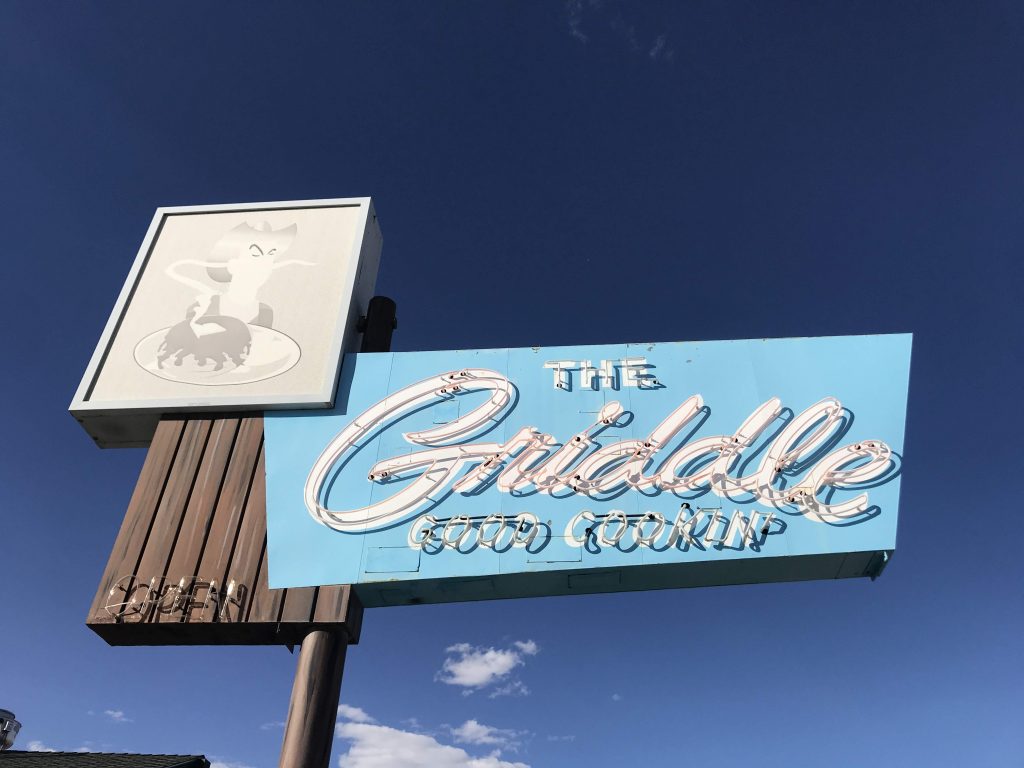
Lovely day. For breakfast went to The Griddle, a place near the motel that has a super-cool neon sign.
Sign, The Griddle, Winnemucca, NV
Back on the road again.
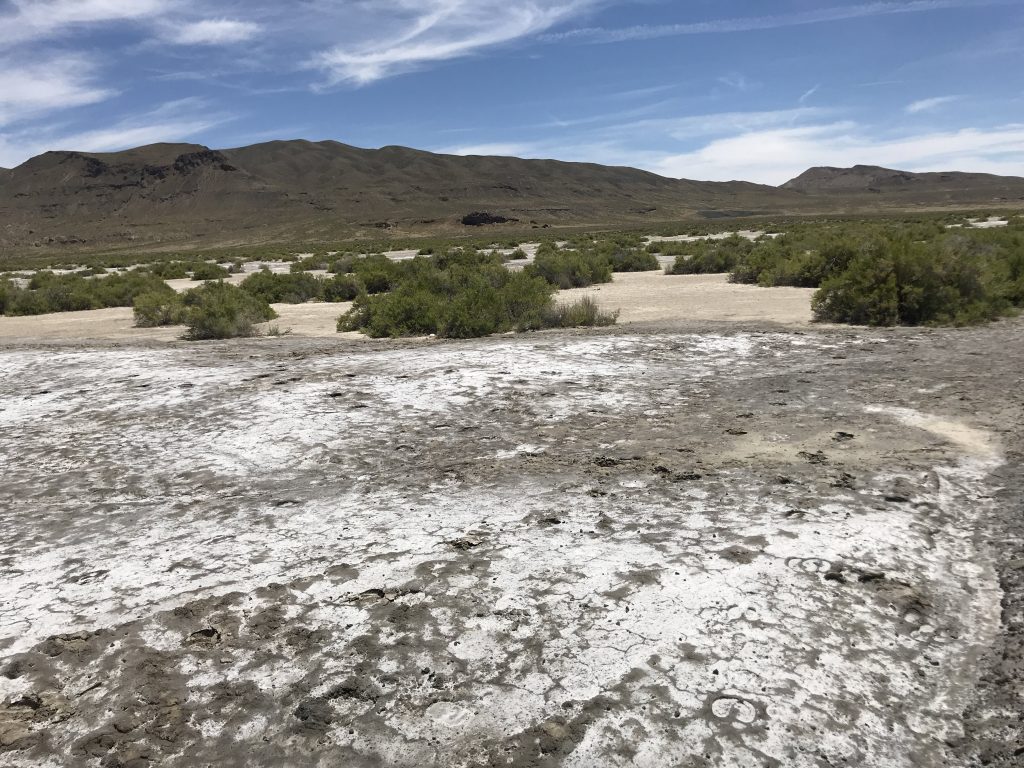
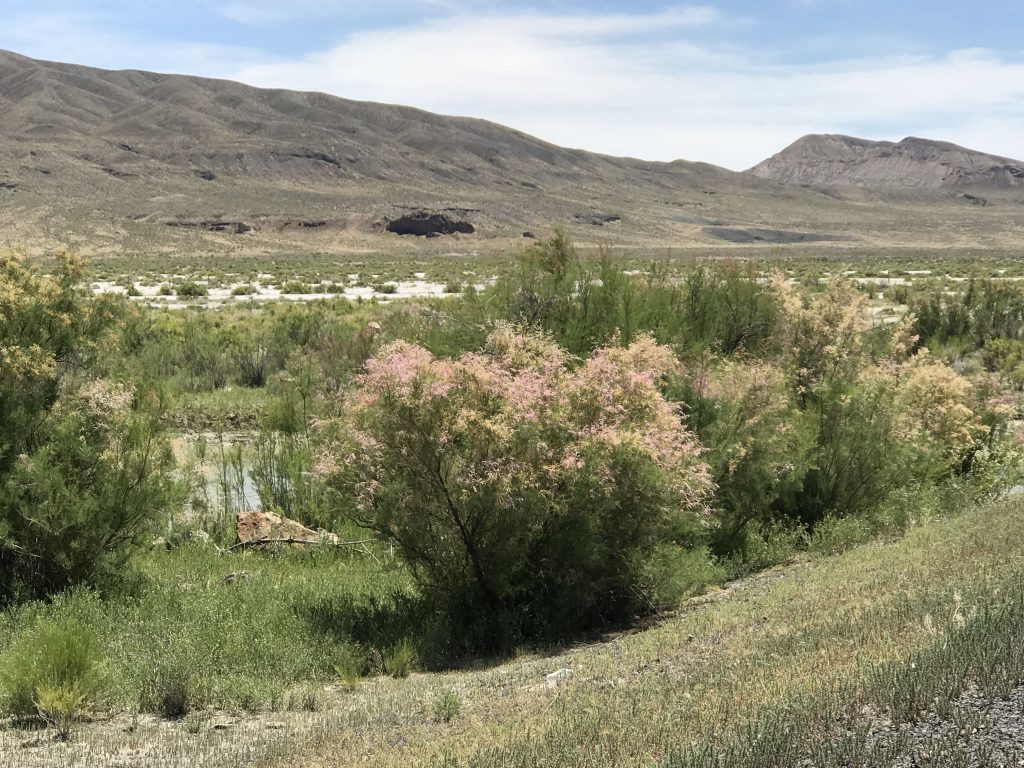
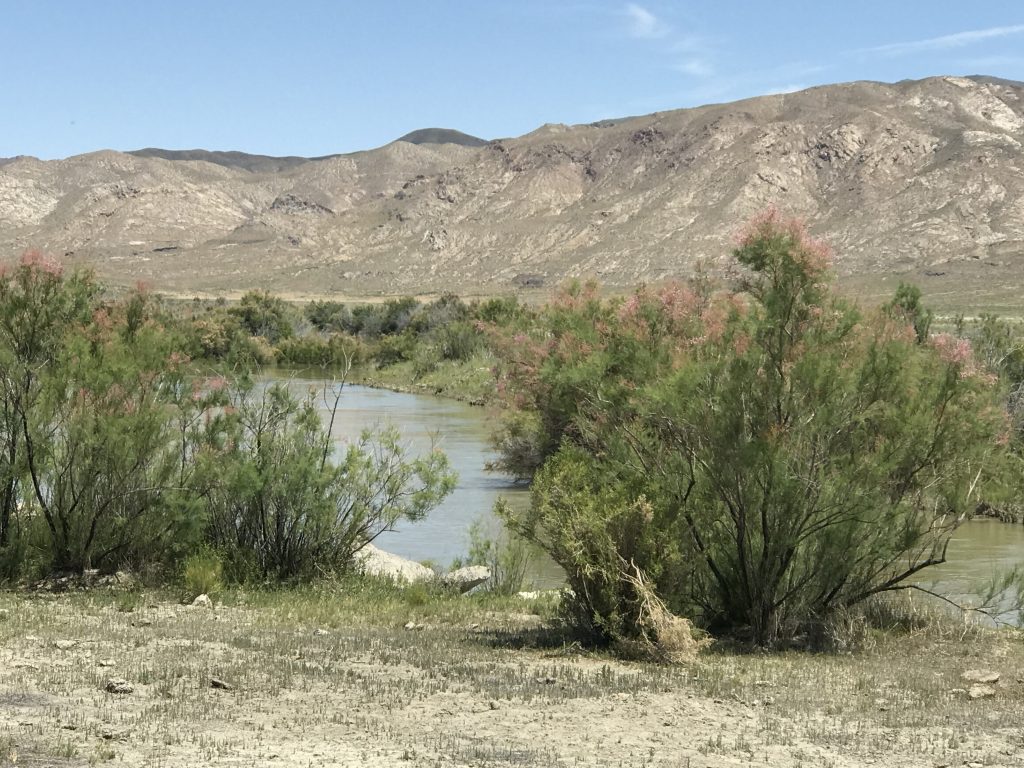
I wanted to visit Humboldt Sink, where the Humboldt River empties. But the access is by dirt road and I was concerned about safety. Got close to it. Total solitude, total quiet but for wind.
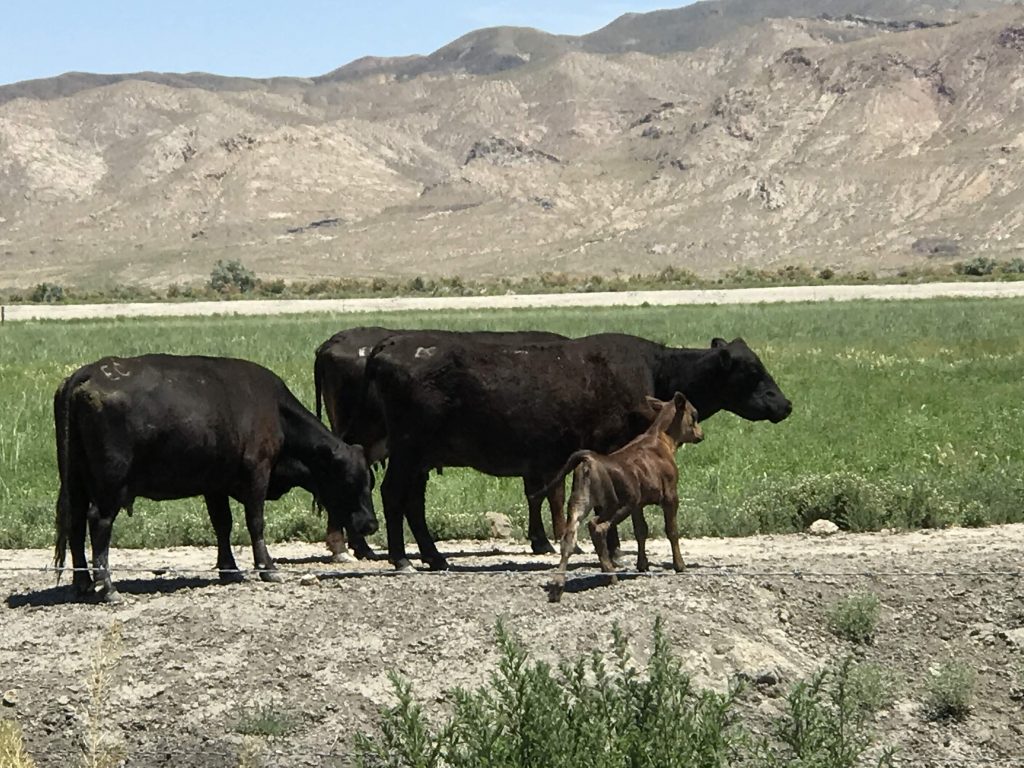
Salt on the soil, near Humboldt SinkHumboldt River, near Humboldt SinkHumboldt River, near Humboldt SinkCattle, Lovelock, NV
I have now driven 6,000 miles since leaving NYC.
Suddenly endless sagebrush gave way to cities – Sparks and Reno.
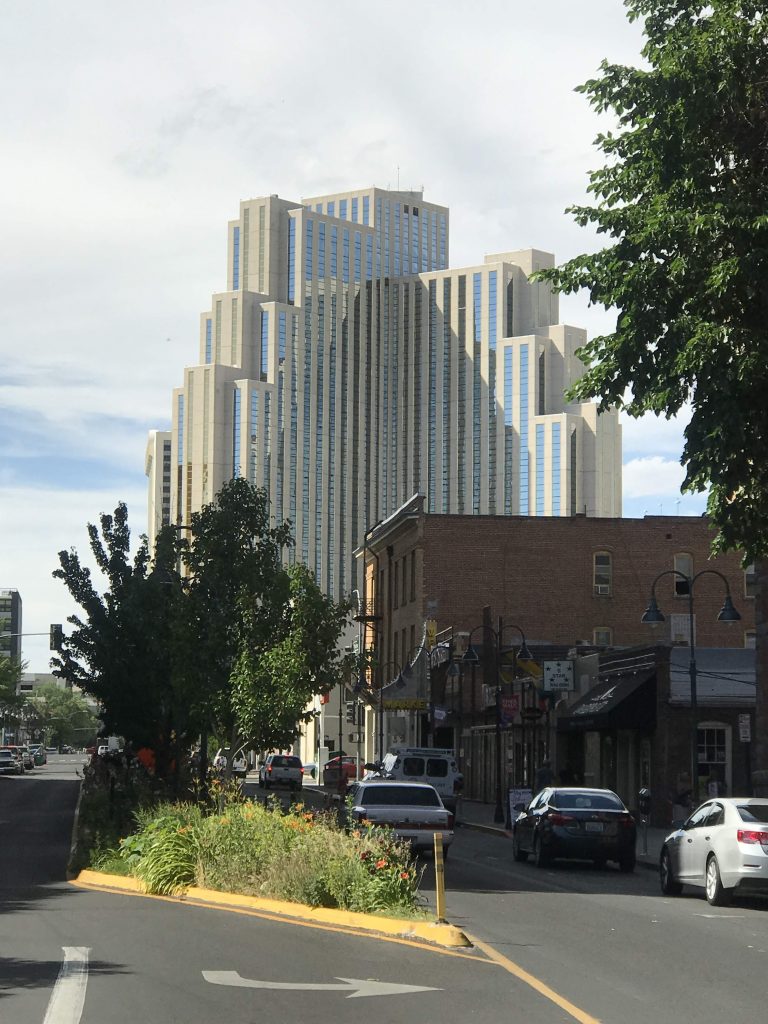
Silver Legacy Resort Casino Hotel, Reno, NV
In my short visit to Reno, a barista told me that it’s a big drinking and gambling town, but there’s also a big underground arts scene, and “punk” music including basement shows in people’s houses.
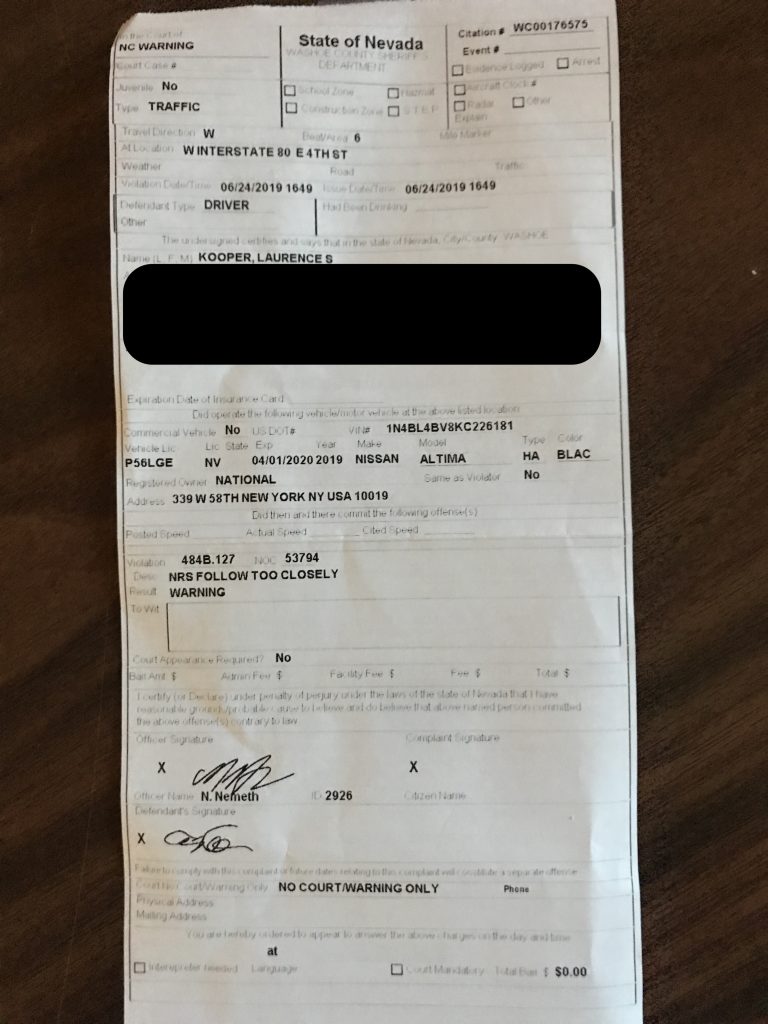
So about 4:15 PM I was back on I-80 driving and thinking about geography and the Donner Party when I saw an SUV behind me with colored flashing lights, so I figured I might be getting pulled over by the cops. So I went into a nearby truck parking area. I was being pulled over by a Washoe County sheriff’s deputy. He said he was giving me a warning for following too closely. I wasn’t following anybody that closely.
He asked for my license and the rental car agreement which he examined and said I was three days overdue returning the car. I told him that was National‘s mistake. He patted me down for weapons. He checked the vehicle identification number to see if the car was stolen and spelled my name and driver’s license number into the radio to see if I was wanted for anything.
Also he asked me many questions. I told him about the trip. He asked if I just up and left one day. I told him I hadn’t. He said a couple of times that I was “fidgety”. He asked what I did for a living, where I worked. He even asked if I owned the business I work for. I told him I wasn’t comfortable answering that one and what does that have to do with what he was stopping me for? He said he just asked the questions to pass the time while they’re looking me up. I told him no, I didn’t own it.
He said your wife let you take this trip? I said yes, I have a great wife. He asked where I was staying tonight. I told him I wasn’t comfortable answering that one either. He let it go. A few times he asked a question I had already answered.
Then he said he was looking for things like drugs, guns, large amounts of money, did I have anything like that? I said no. He listed several drugs like meth, heroin, cocaine, marijuana. I said no to all of them. He asked would it be OK if he searches the car. I said no it would not be OK. He said if the dog he had in his car ‘alerts’ then that’s probable cause to search the car.
In order for the dog to check the car, Deputy #1 (Officer Nemeth, but I will call him #1) had to wait for another deputy, so the other guy can watch me to make sure I don’t escape while deputy #1 takes care of the dog. In a few minutes deputy #2 showed up. He was a nice older guy with a ‘SWAT’ pin on. I asked him if he was on a SWAT team and he said yes. I said that must be exciting sometimes and he said “it’s difficult work.”
So deputy #1 let the dog (I later found out his name was Titus) go around the car. The dog made a noise when he passed the gas tank door. So deputy #1 said the dog ‘alerted’ and that is probable cause to search the car.
Then deputies #3 and #4 showed up in a third car, because evidently I was the crime of the century in Washoe County.
Deputy #3 asked me aside from getting stopped by the cops how’s your day going? I appreciated that humor.
So deputies #1 and #2 searched the car and all my many pieces of luggage and random plastic bags in it, which took quite a while. I had to look away from the car while they were searching it. So I chatted with deputies #3 and #4 about my trip. #3 said I was doing what Steinbeck did in Travels with Charley. #3 said that #4 has been to lots of countries. #4 rattled off a long list of countries he’s been to. He has taken cruises to them. He described how he had enjoyed St Petersburg, Russia and how they have a big gate to close off the harbor.
So I was there for about an hour and they found nothing. Deputy #1 asked me if there were drugs in the car before. I said “It’s a rental car.”
So they said OK, you can go. As a parting shot deputy #1 said “your story was weird.” They put stuff back a little haphazardly but it looked like everything was still there and OK. Also the engine had been on and idling for the entire time.
Travel story!
6,000 miles and the first time I was stopped by the cops. And after those nice things I said about Nevada.
So on Yelp I would give the Washoe County Sheriff two stars. They get the second star because they didn’t tear up the entire car.
Back on the road, saw a sign for Peet’s coffee and decided to go there. Peet’s turned out to be inside a place called Boomtown. Outside Boomtown, they have a western movie set / Potemkin village. I found out Boomtown is actually a huge Best Western hotel / casino. I love the way slot machine rooms look with all the bright neon colors. But I think casinos are sensitive about photography so I didn’t shoot any.
I went to Peet’s and ordered a “Havana” coffee (which meant with cinnamon). On my way out I got lost and passed by the table games – blackjack, craps, and roulette. Of all of them, just one blackjack table was operating.
After the last Nevada exit, 80 follows the Truckee River valley south and it’s beautiful. Crossed into California. State #25, the last state on my trip, the Promised Land.
Had to stop for a state agricultural inspection. They asked me to open the trunk and I did, then they sent me on my way.
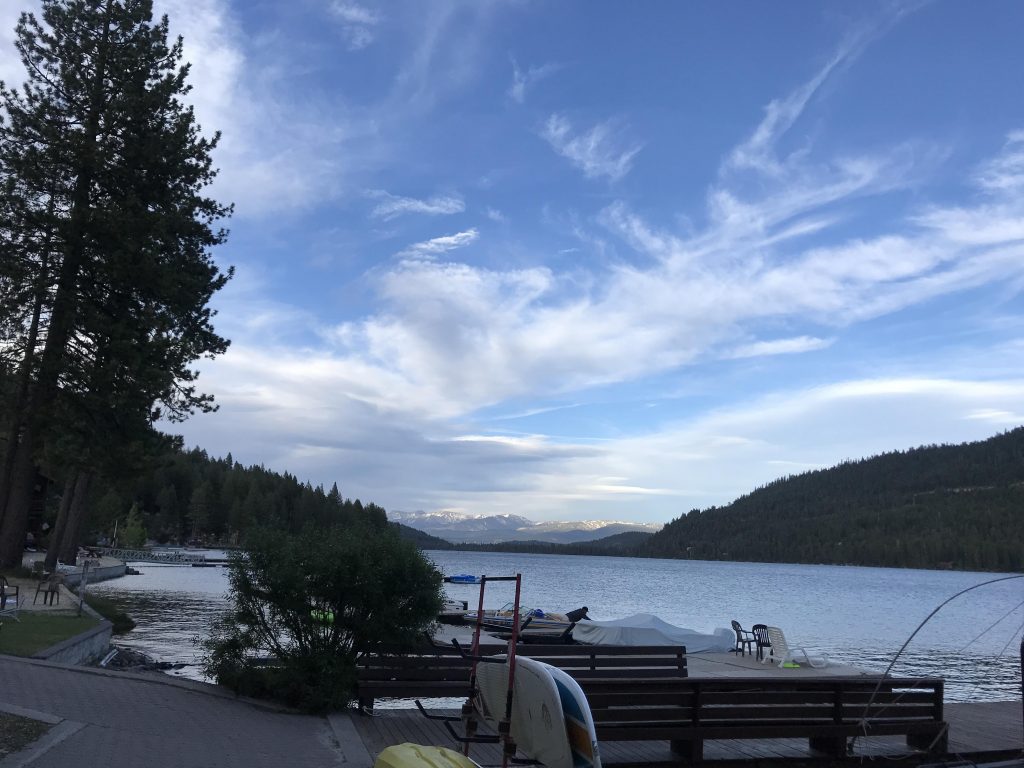
Got to Donner Lake Village and boy is it beautiful, right on the lakefront.
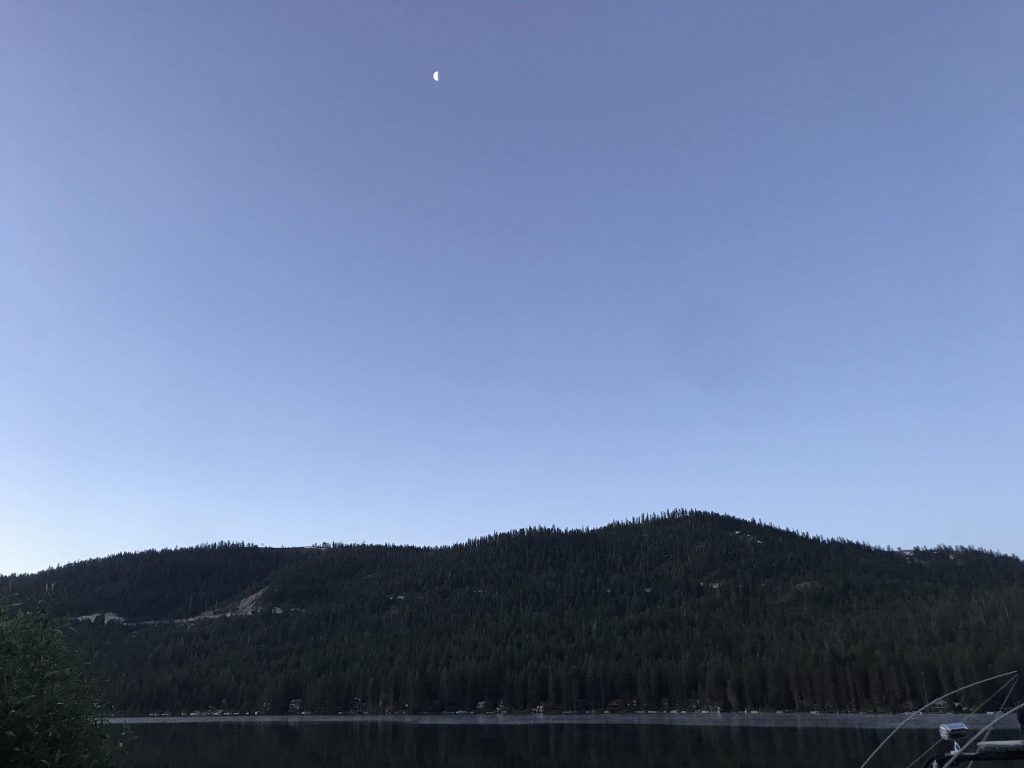
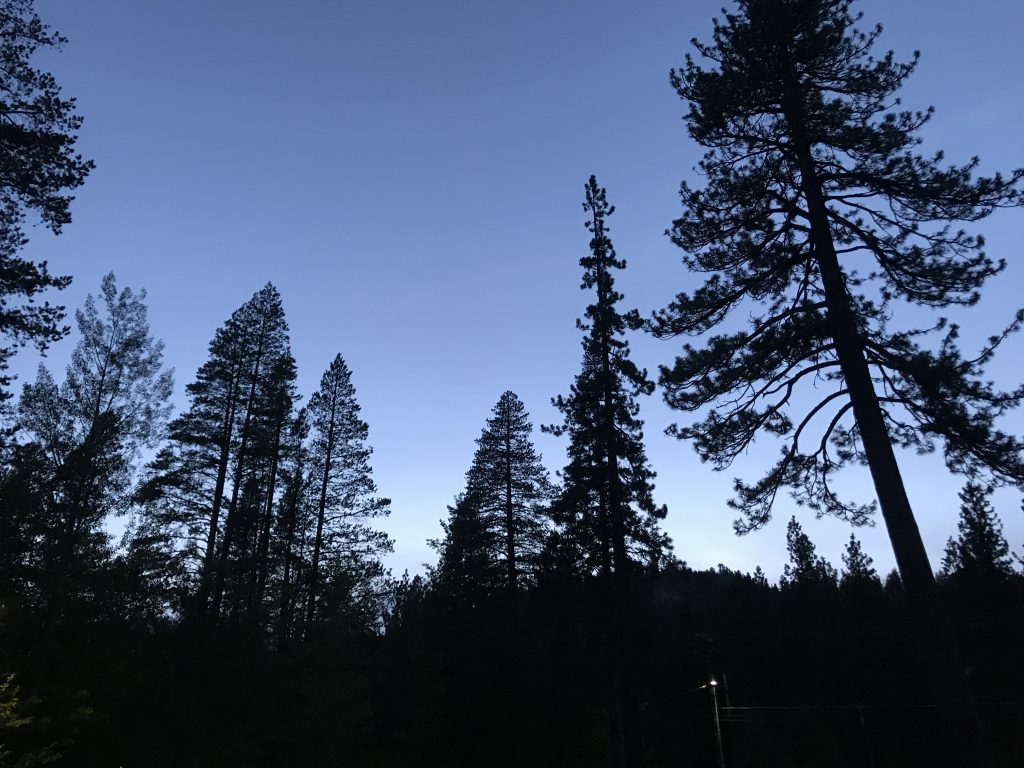
Donner Lake, CANightfall, Donner LakeNightfall, Donner Lake
UPDATE 6/25/19:
My friend (and relative) Jack tells me you’re not legally required to consent to the dog sniff. In 2015 the Supreme Court ruled on the issue in Rodriguez v. United States.
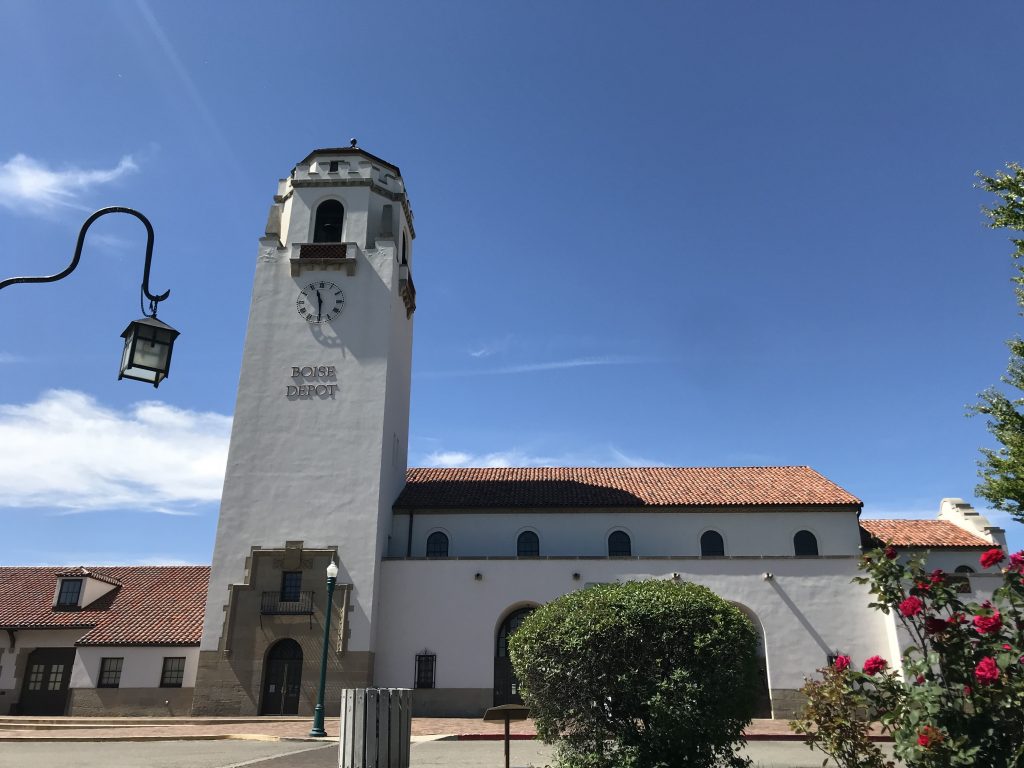
Another beautiful day! Took a car tour of Boise. First stop the Boise Depot, a Spanish-style railroad station. The Union Pacific knew how to build beautiful stations.
Boise Depot, Boise
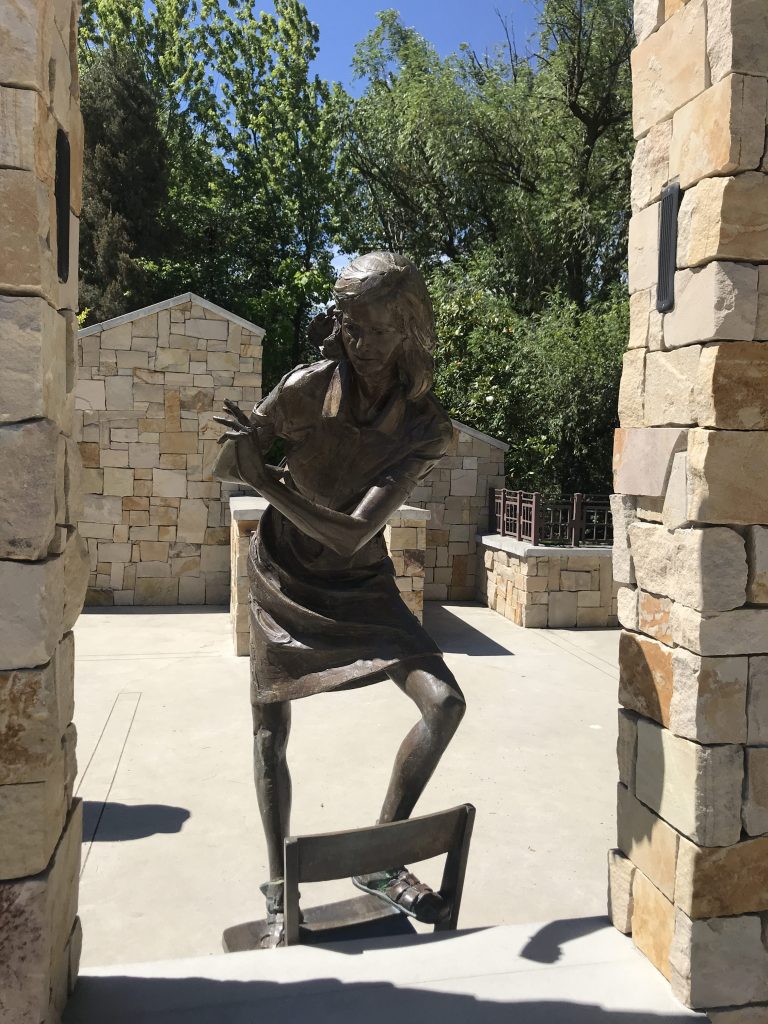
Next stop the Idaho Anne Frank Human Rights Memorial. They have a statue by Greg Stone of Anne, but I don’t like it. They made her look undignified. Her foot is on a chair, her body twisted, and one hand is very awkwardly behind her back. Not appropriate for a symbol of resistance to fascism.
Anne Frank statue, Idaho Anne Frank Human Rights Memorial, Boise
“The sculptor, Greg Stone, from Northampton, Massachusetts, cast Anne as if she were pulling back an imaginary curtain and gazing out a window from the family’s attic hiding place.” Source
It still makes her look awkward and contorted. I would be surprised if no one had objected.
Downtown, there were a lot of people on the streets even though it was Sunday. I also saw a lot of bicyclists. Boise seems a very civilized, and vibrant, town. Went up to Camel’s Back Park, in the North End neighborhood. Seems like a great neighborhood, with some lively stores on 13th St.
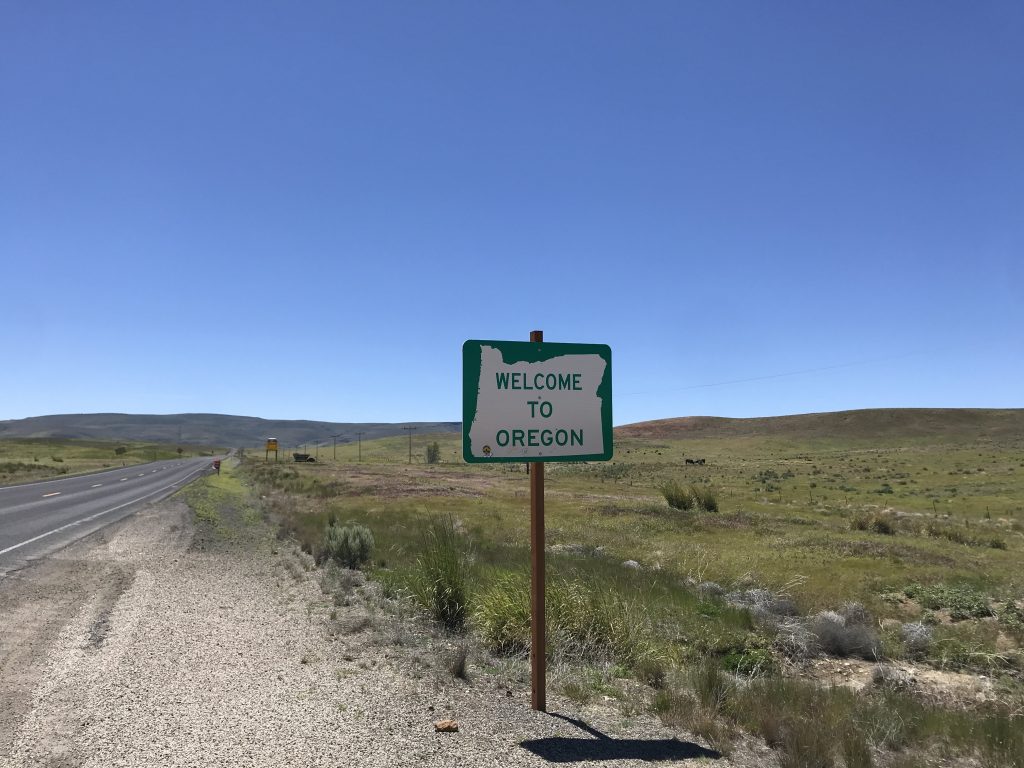
Left Boise for Winnemucca, NV, a long drive through mostly desolate country. First I passed through Idaho’s wine grape growing region. Then into Oregon.
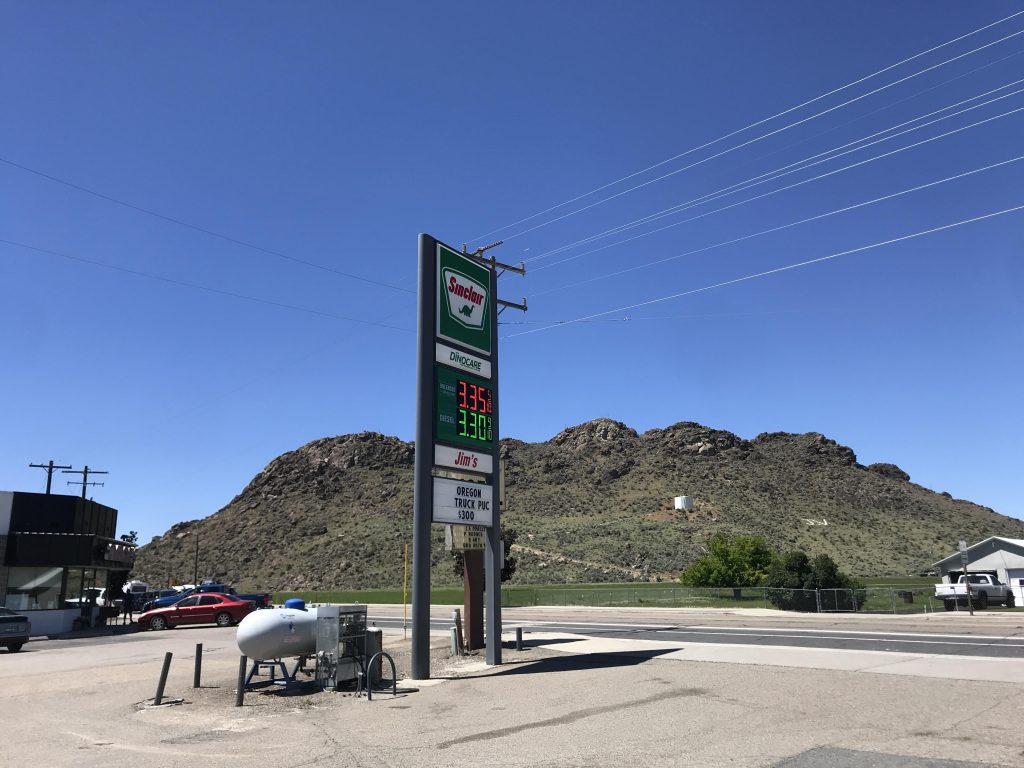
At the Idaho-Oregon border. Windy and desolateGas station, Jordan Valley, OR
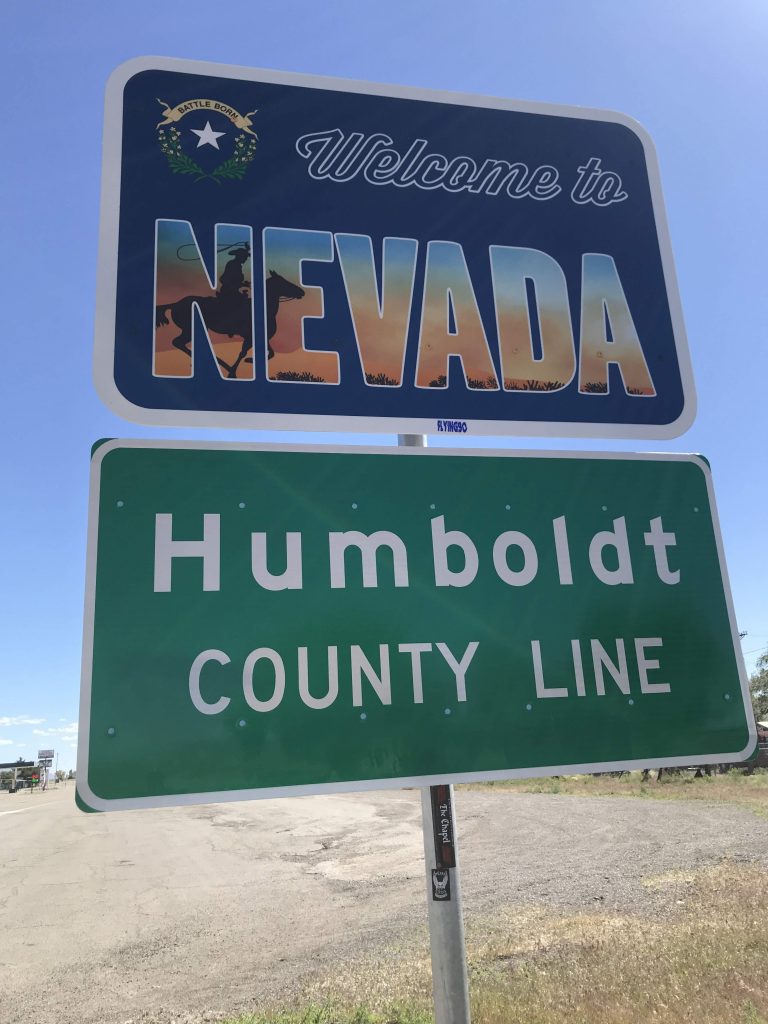
I crossed into Pacific Time and gained another hour, and soon after crossed into Nevada.
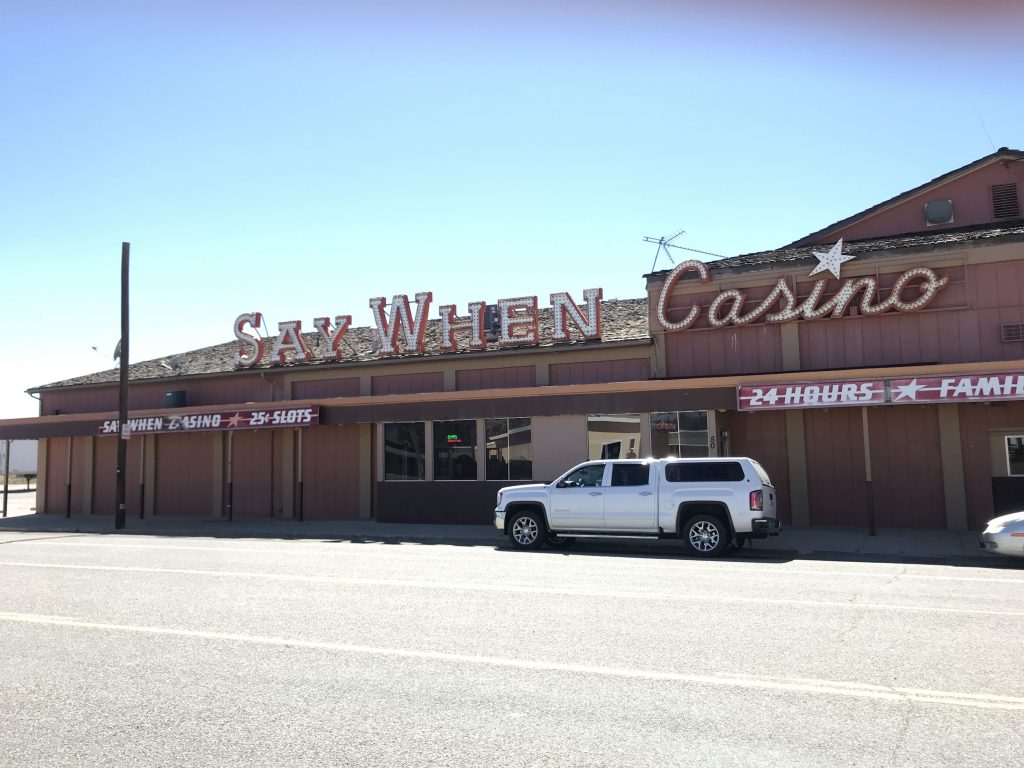
Where’s the casino? Found it.
Say When Casino, McDermitt, NV, steps from the state line
I have a fondness for Nevada. The anything-goes atmosphere, the 24-hour culture. The deserts and lonely roads.
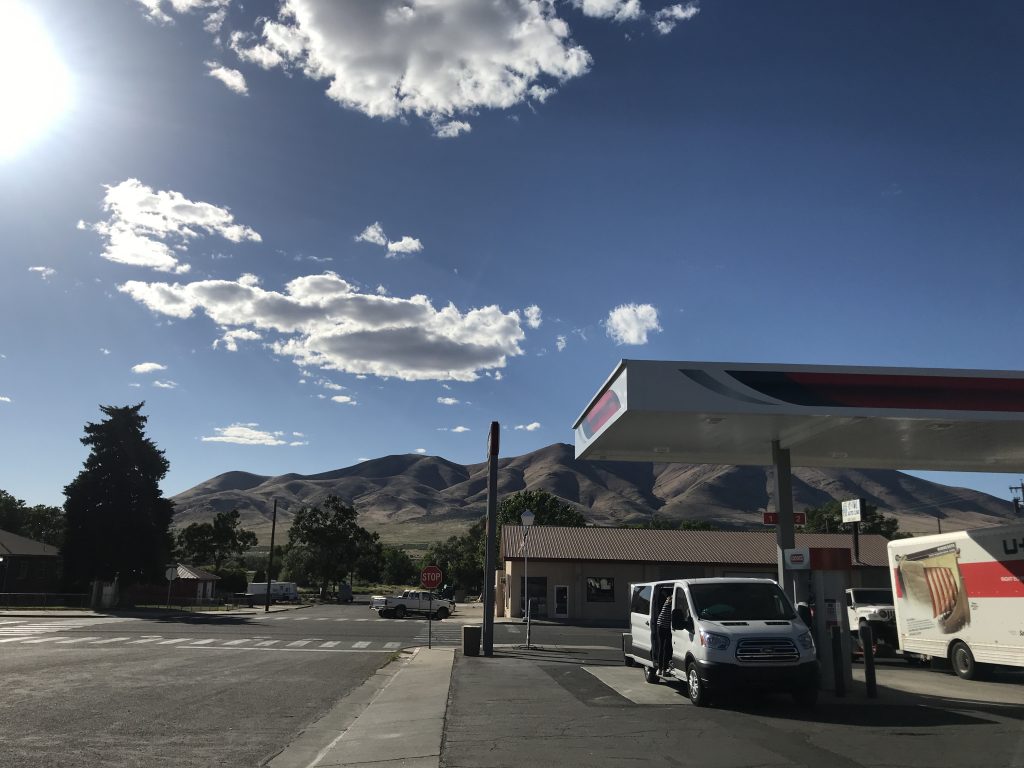
Finally arrived at Winnemucca. The city is named for a Chief Winnemucca (1820-1882) of the Paiute tribe, who at one time lived in this area.
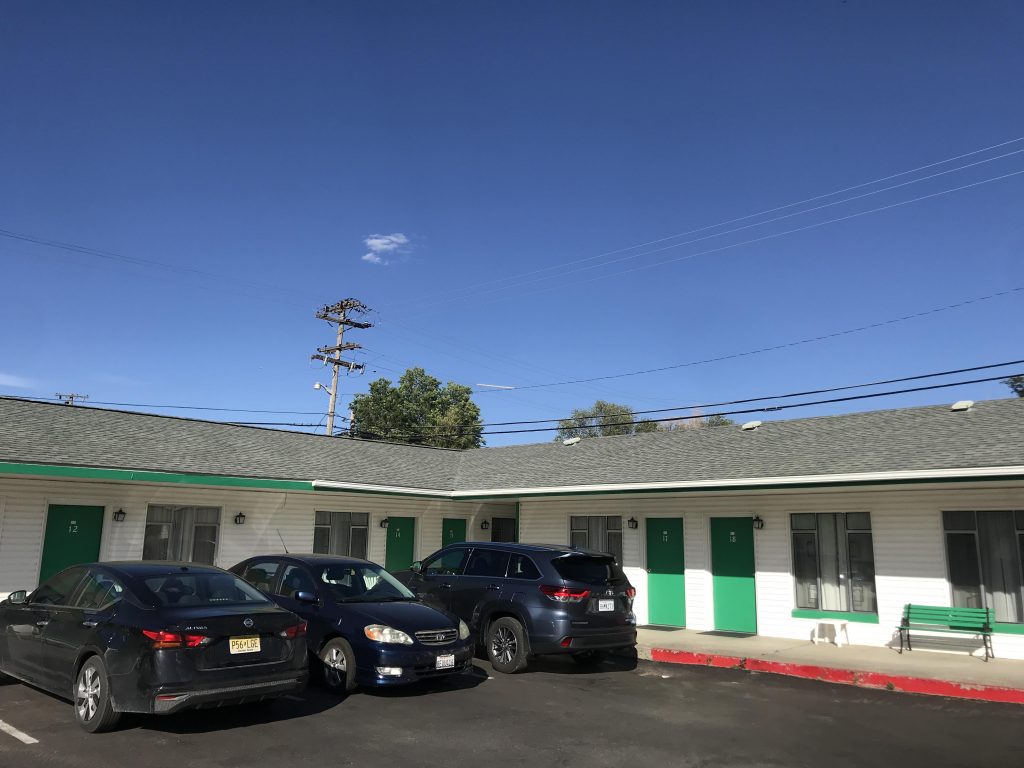
Town House Motel (the place I stayed), Winnemucca, NVWinnemucca, NV
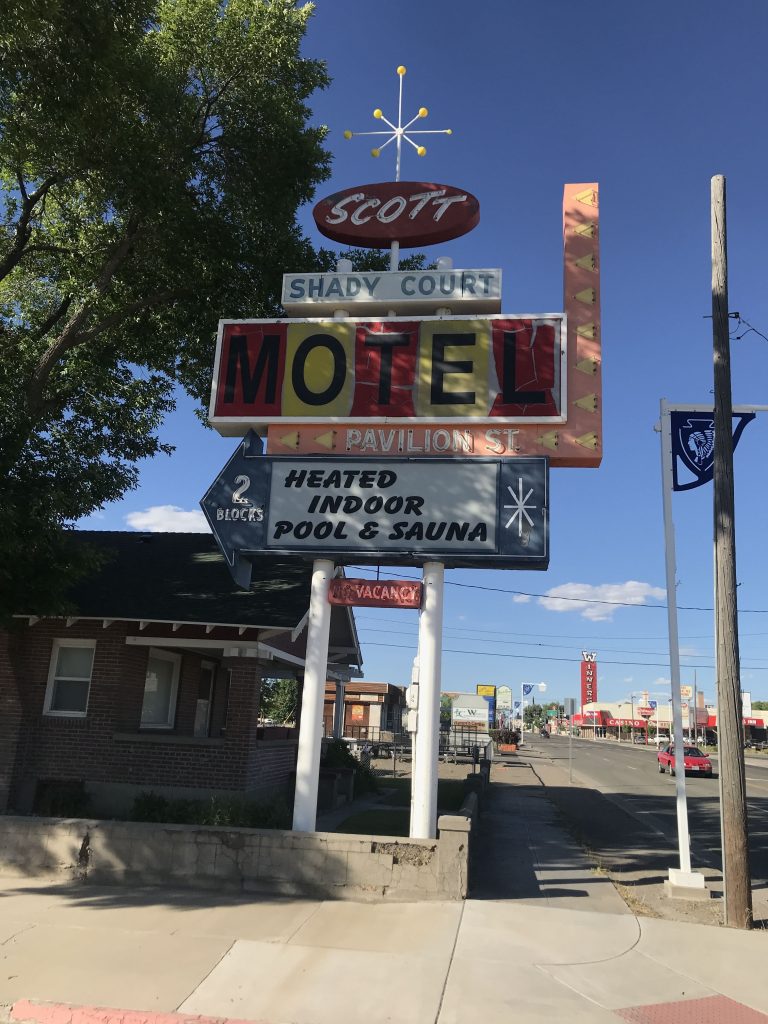
Winnemucca is a treasure house of great signs.
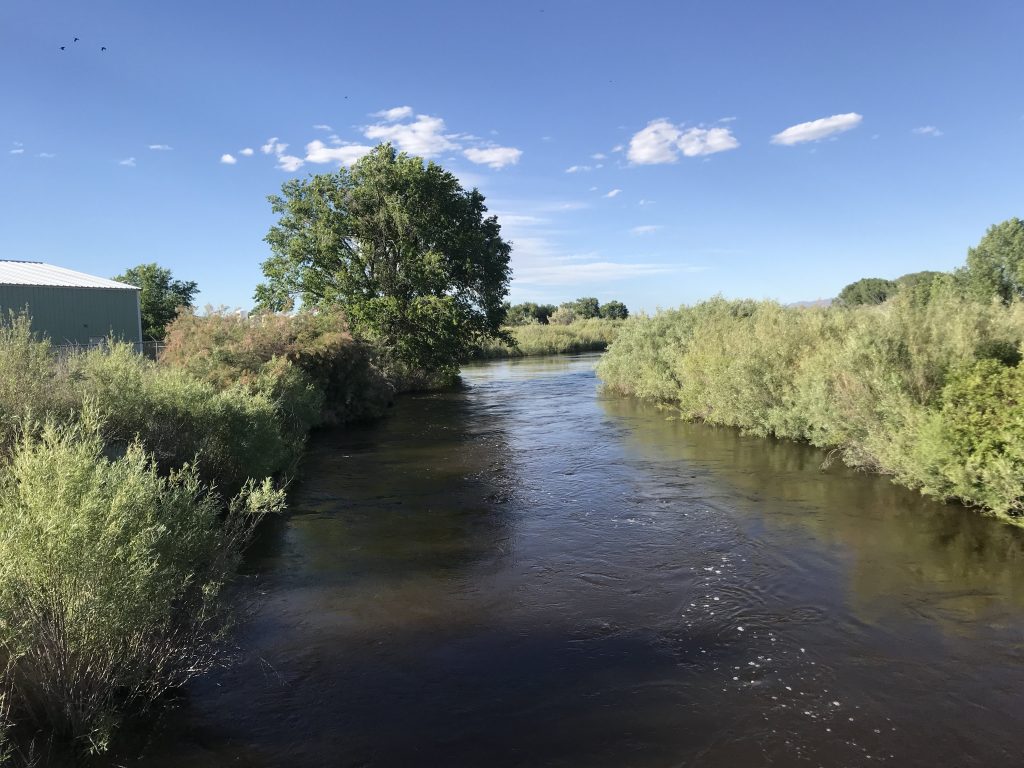
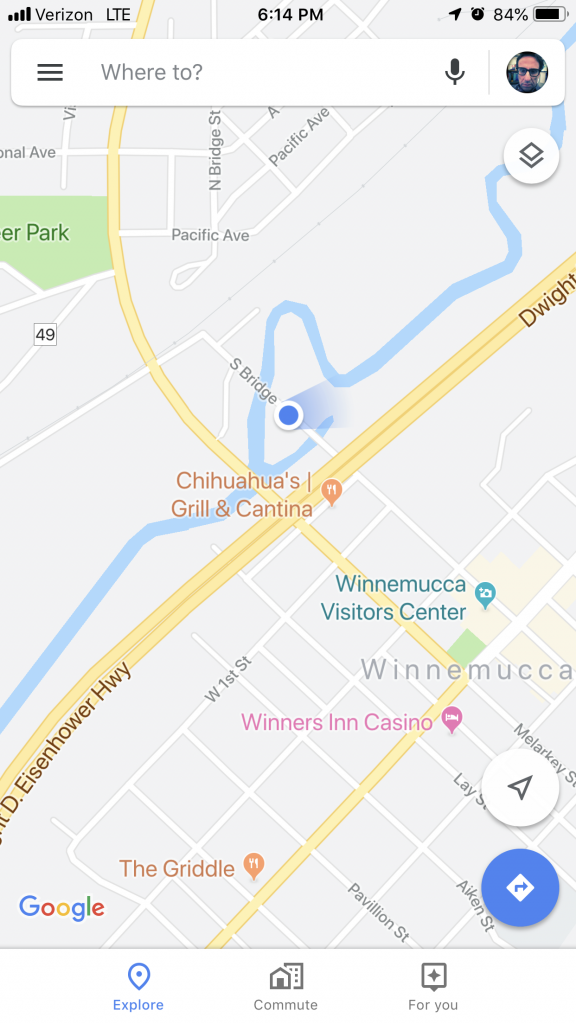
Sign, Winnemucca, NVAn abandoned piece of the Humboldt River, WinnemuccaThe “abandoned piece” of the river (I don’t know the geographic name for it) is just below the blue dotHumboldt River, main channel, Winnemucca
Nevada has a different feel from the other Western states. The feel is hustle.
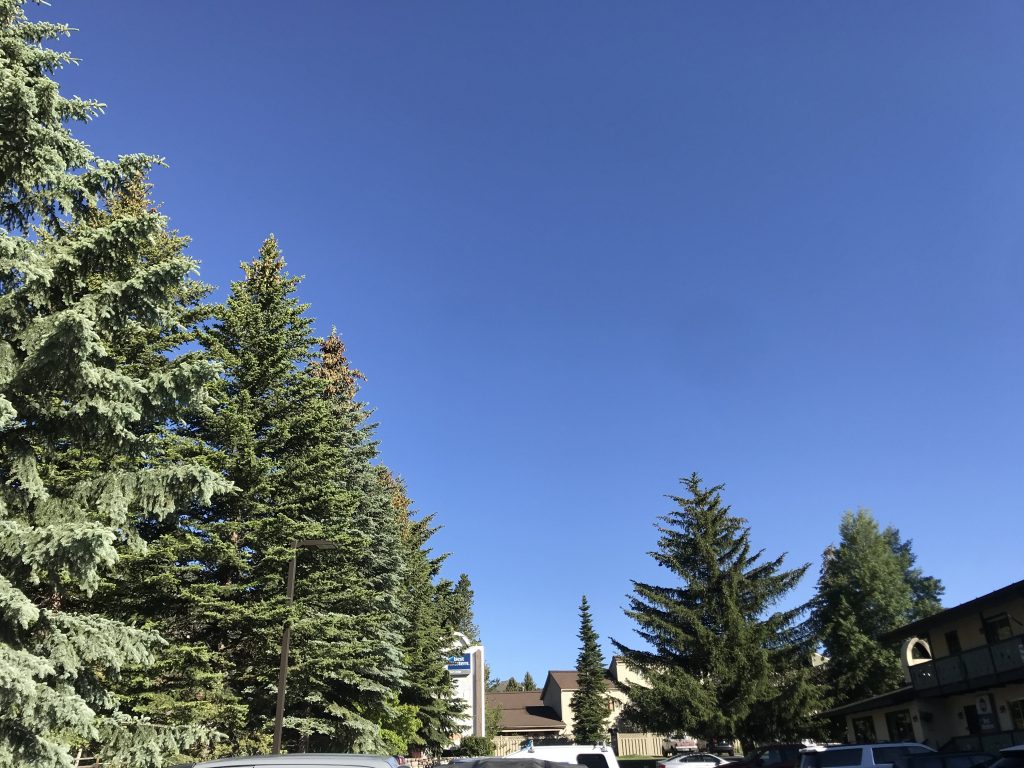
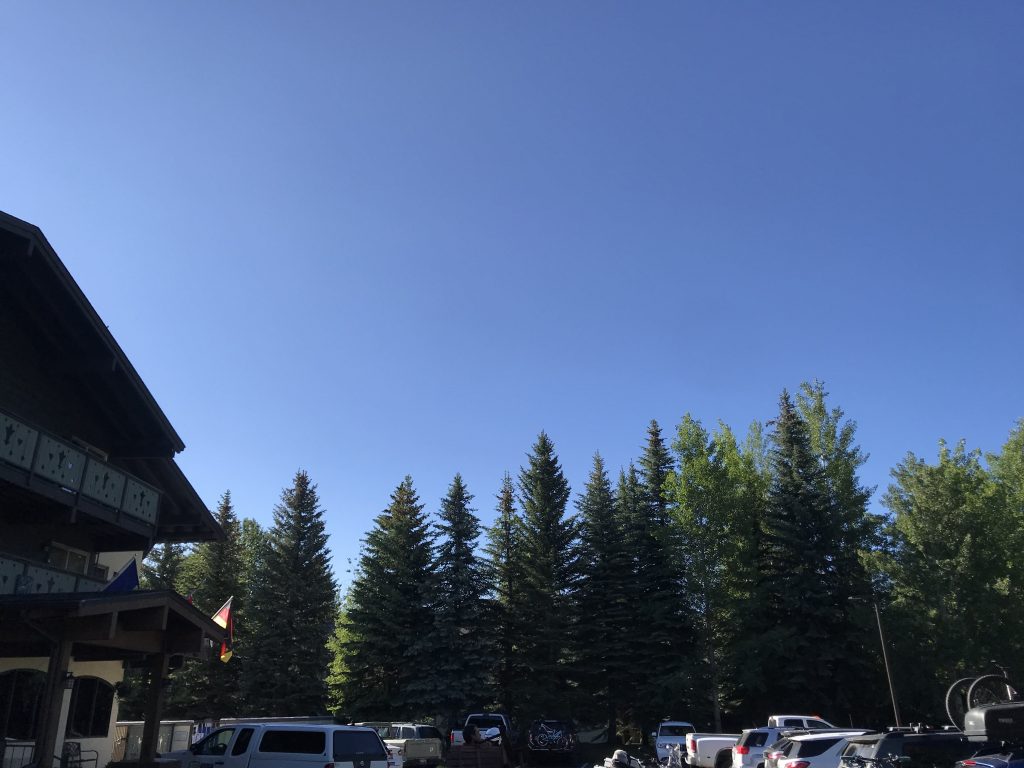
Beautiful morning. Clear blue sky, pine trees, birds singing.
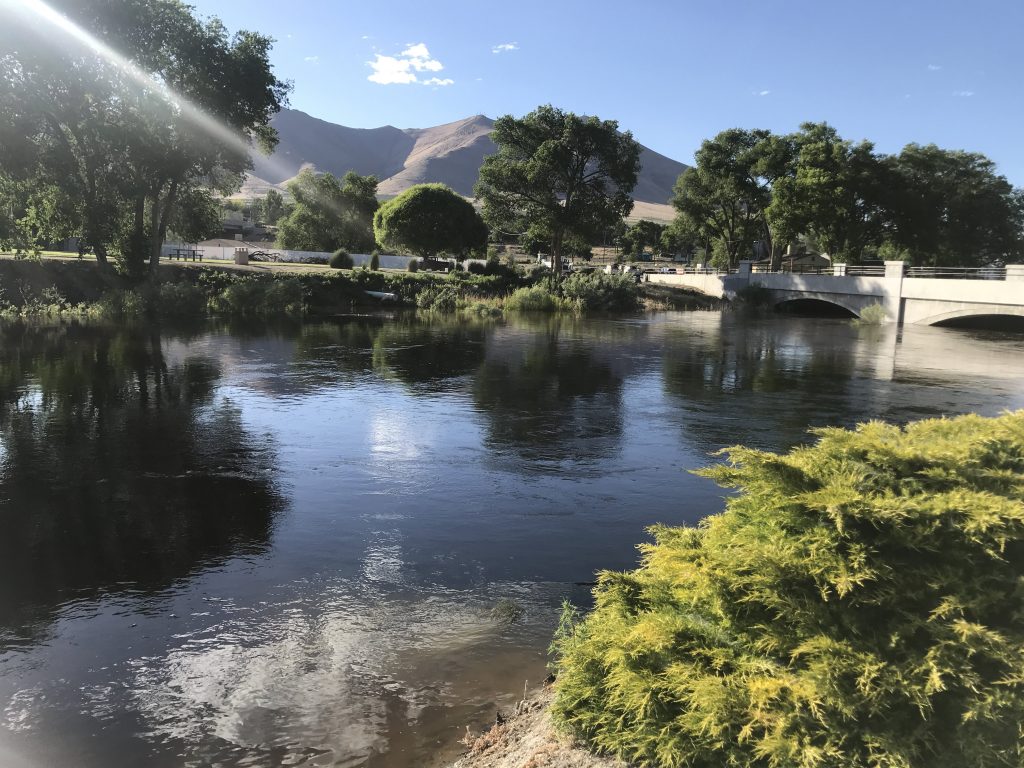
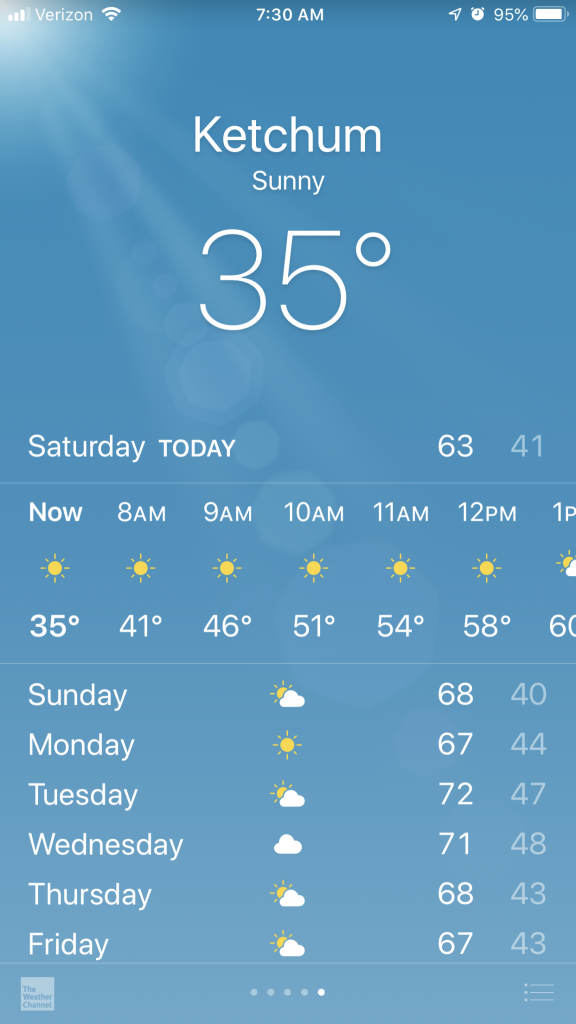
It was cold but pleasantMorning, KetchumMorning, Ketchum
Took a two-mile hike on the Heidelberg Hill Trail near town.
On the trailThis amuses me, though it’s not clear whether the street is named for the skier or for a nearby village (which the skier named herself after)
Two places on the trip I have liked enough to go back to – Buena Vista, CO and Ketchum.
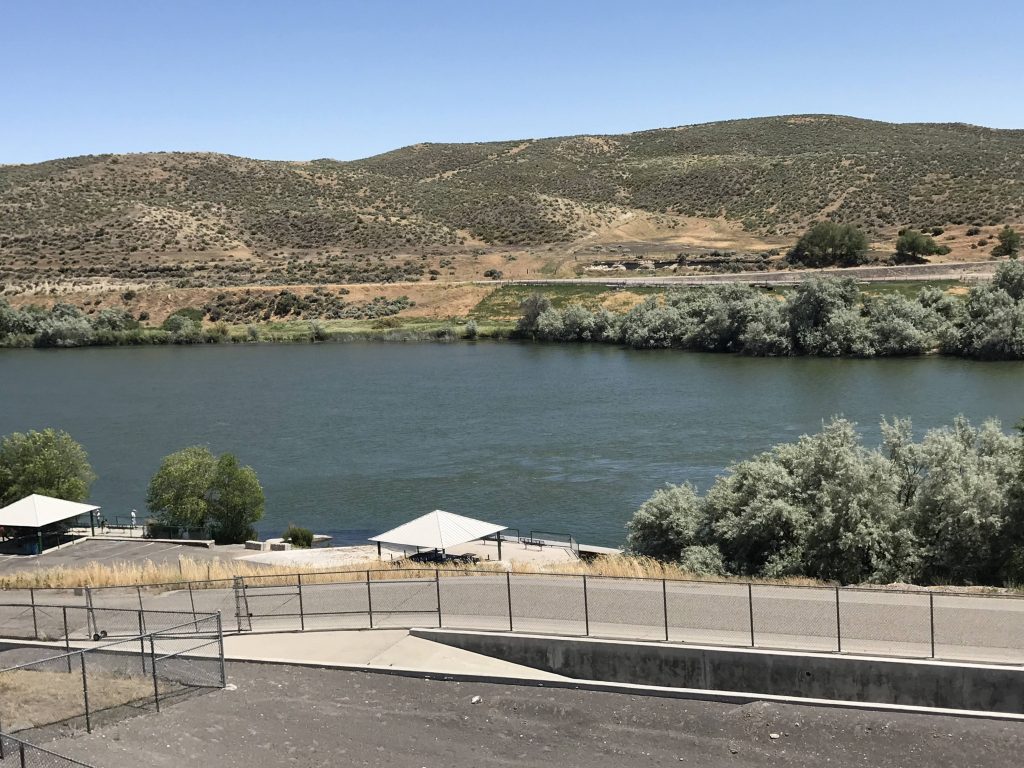
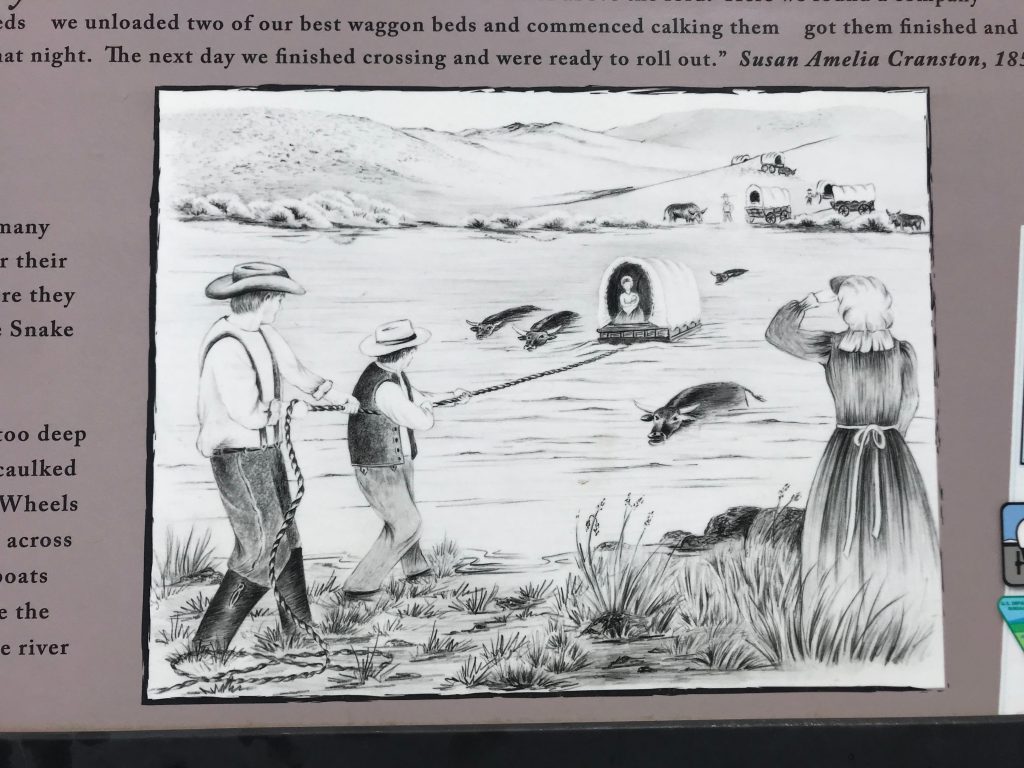
Went to Three Island Crossing State Park in Glenns Ferry, ID. It memorializes a place where Oregon Trail emigrants were faced with a difficult choice – a dangerous and difficult Snake River crossing, or continuing to Boise along the southern side of the river, where the route was rocky and there was less grass and water.
Snake River, Glenns Ferry, IDSketch of making the Snake River crossing. Wagons were caulked and used as boats.
Visited the museum there.
Unusually, it gave a lot of space to the Native American point of view.
Got to Boise. It’s more lively than other Western cities I’ve visited. “Boise is vibrant” says their tourism bureau.
I have mixed emotions about the trip ending. I like the trip but I’m also happy it’s ending.
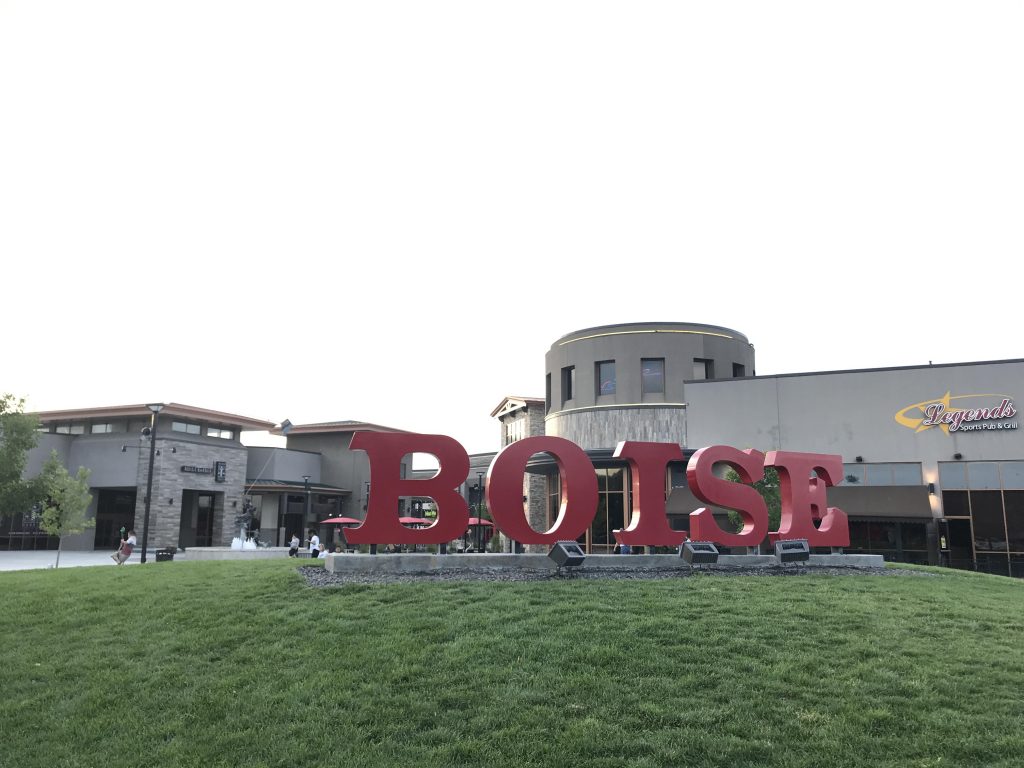
At 8:30 PM, the hotel’s fire alarm went off and everyone evacuated. Turned out to be a false alarm, some kid pulled the fire alarm. Walked across the street to the Spectrum, a mall that contains only restaurants and movie theaters.
The Spectrum, Boise
Had a great mac and cheese at Mad Mac (a mac and cheese only restaurant). Saw Toy Story 4 in IMAX. Surprisingly, the movie was good. IMAX was nothing special, just a big screen and stadium seating.
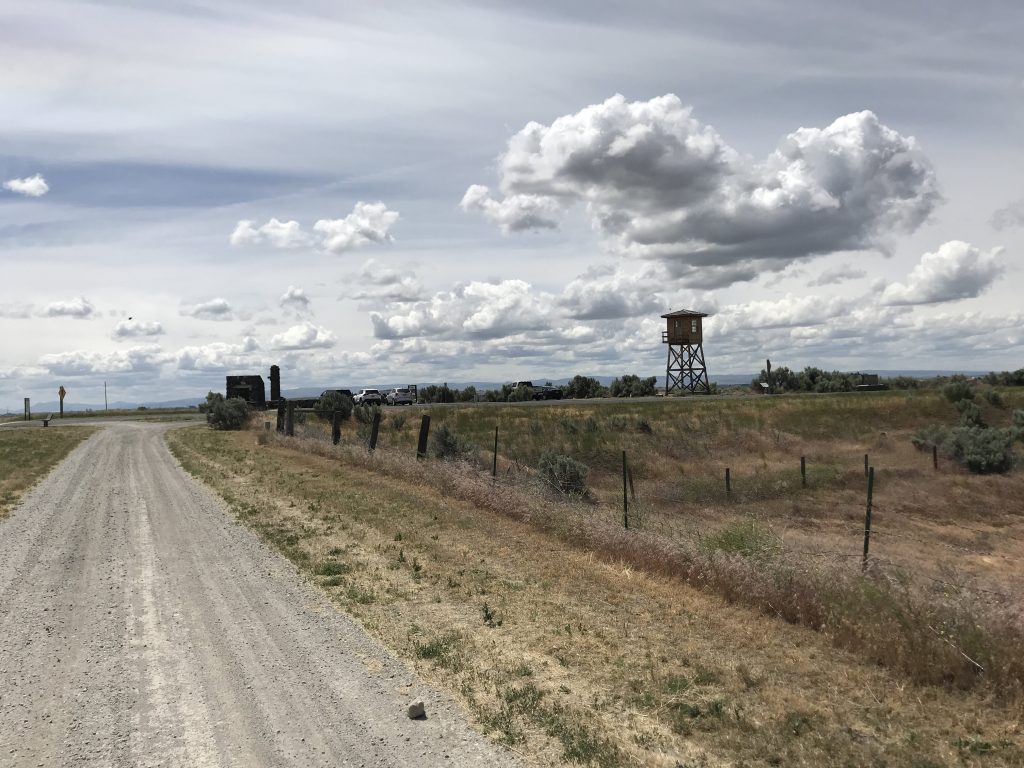
Drove to the Minidoka National Historic Site. No directional signs anywhere on any road. Is it because people who live here are still sensitive about it and want to keep it hidden?
Minidoka was one of the camps where Japanese-Americans were imprisoned without trial, purely because they were of Japanese descent, from 1942 to 1945. Public fears that they might be a fifth column were whipped up with false charges. 9,000 were imprisoned here and a total of 110,000 nationwide.
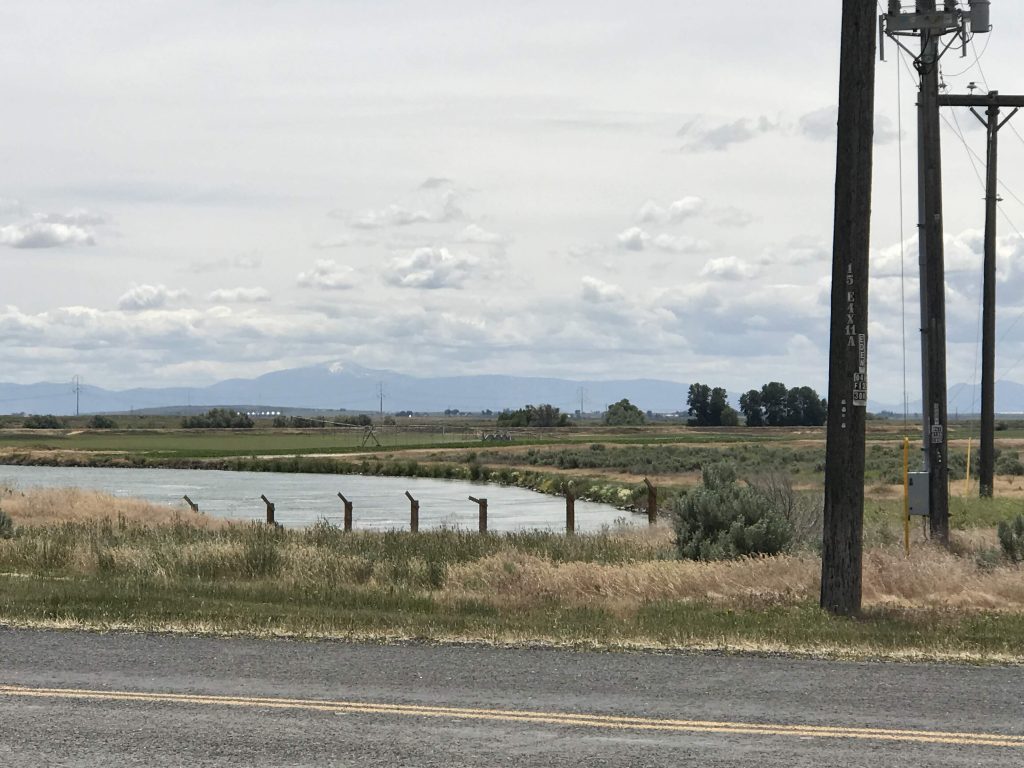
Guard tower (replica) and the campFence (replica) by the canal
On February 19, 1942, only 2 1/2 months after Pearl Harbor, President F.D. Roosevelt issued Executive Order 9066, which authorized the internments. Japanese-Americans were given one to two weeks to vacate their homes.
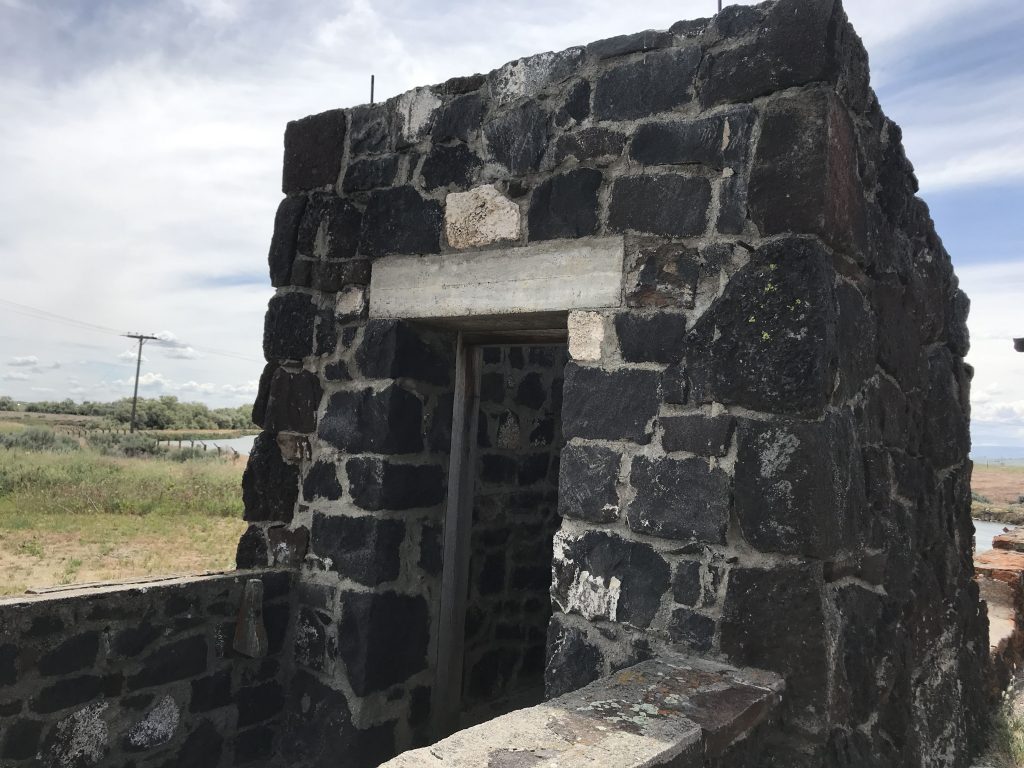
At war’s end, the US military obliterated almost all traces of the camp. All that remains are the foundations of a few buildings. NPS has created replicas of a guard tower and a fence.
Original military police booth at entrance to camp, remaining walls
I’m ashamed of America because we did it, but proud of America because this is a national park. I think this and the other camps are places Americans should visit. The NPS unit was established in 2001.
The United States formally apologized to Japanese-Americans in 1988. Each surviving internee was paid $20,000 compensation. (In 2008, the House of Representatives issued an apology for slavery and Jim Crow, but no compensation has been paid yet.)
Many men who were interned at Minidoka served in the US military in WW 2. 73 died.
Ezra Pound’s birthplace
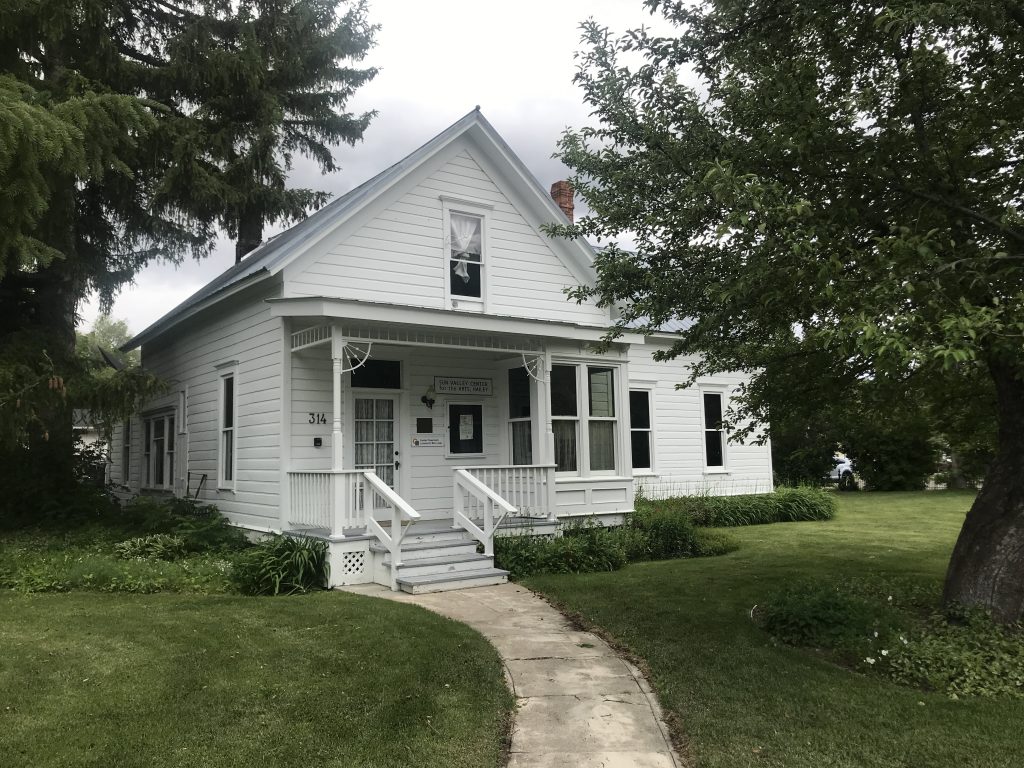
In Hailey, Idaho, I visited the house where Ezra Pound was born on October 30, 1885. I visited as a literary pilgrimage because I love Pound’s poetry.
Birthplace of Ezra Pound, Hailey, ID
The house is owned by the Sun Valley Center for the Arts. They refer to it as “The Center in Hailey.” The only thing identifying it as Pound’s birthplace is a small leaflet in the window. The building was closed – it’s only open on Thursdays from 2 to 5 when there’s an exhibition. (Pound is controversial because he made pro-fascist radio broadcasts during World War 2, for which the US charged him with treason. He was ruled insane and imprisoned in a hospital for 13 years.)
Ketchum
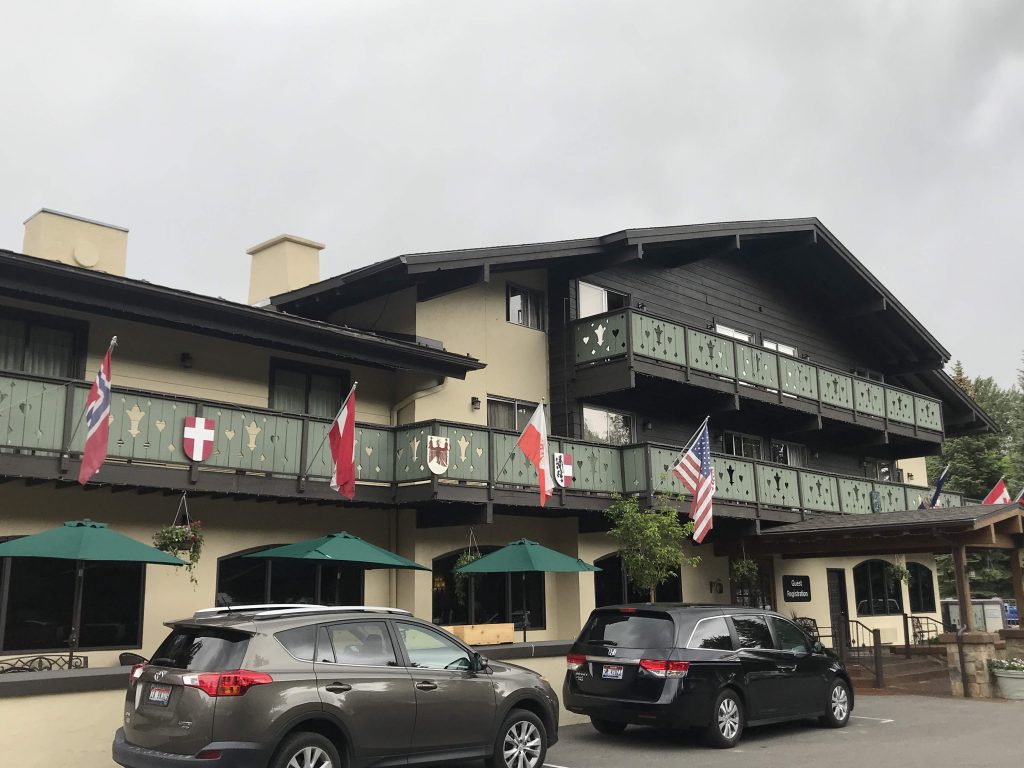
My hotel, the Best Western Tyrolean Lodge, looks like an Austrian building. It’s within view of the mountain and the gondolas are operating, even though there’s no snow.
Best Western Tyrolean Lodge, Ketchum, ID
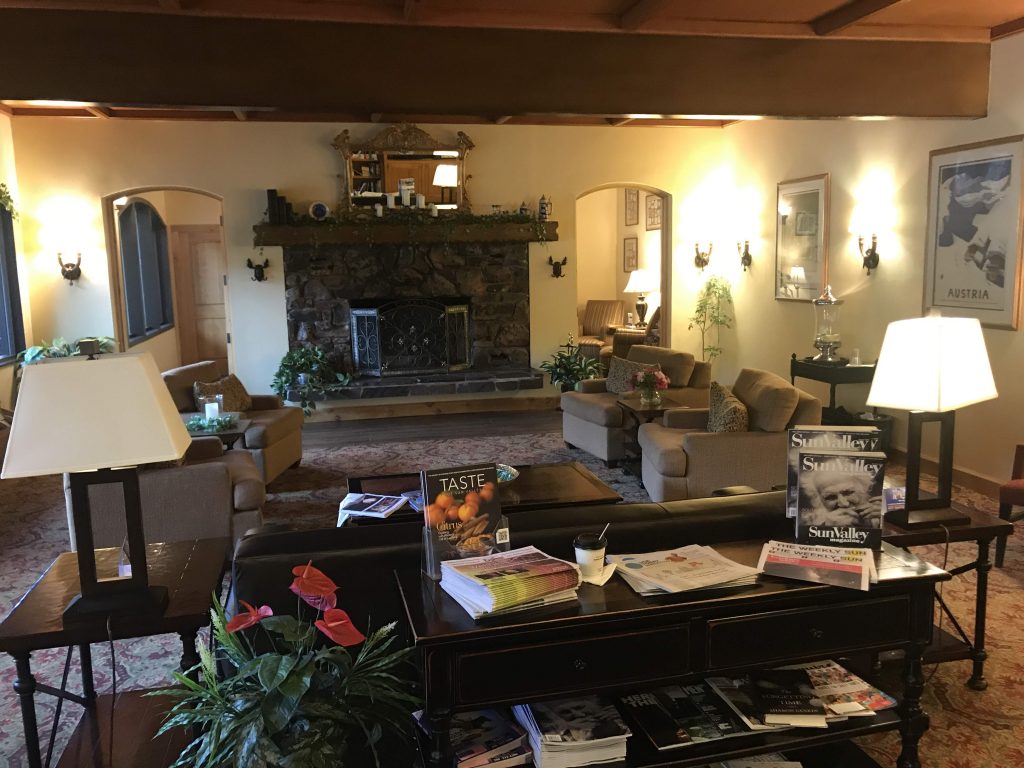
I love this hotel. The lobby is so cozy. It has vintage Austrian ski posters on the walls, though I think they are reproductions.
Lobby, Best Western Tyrolean Lodge, Ketchum, ID
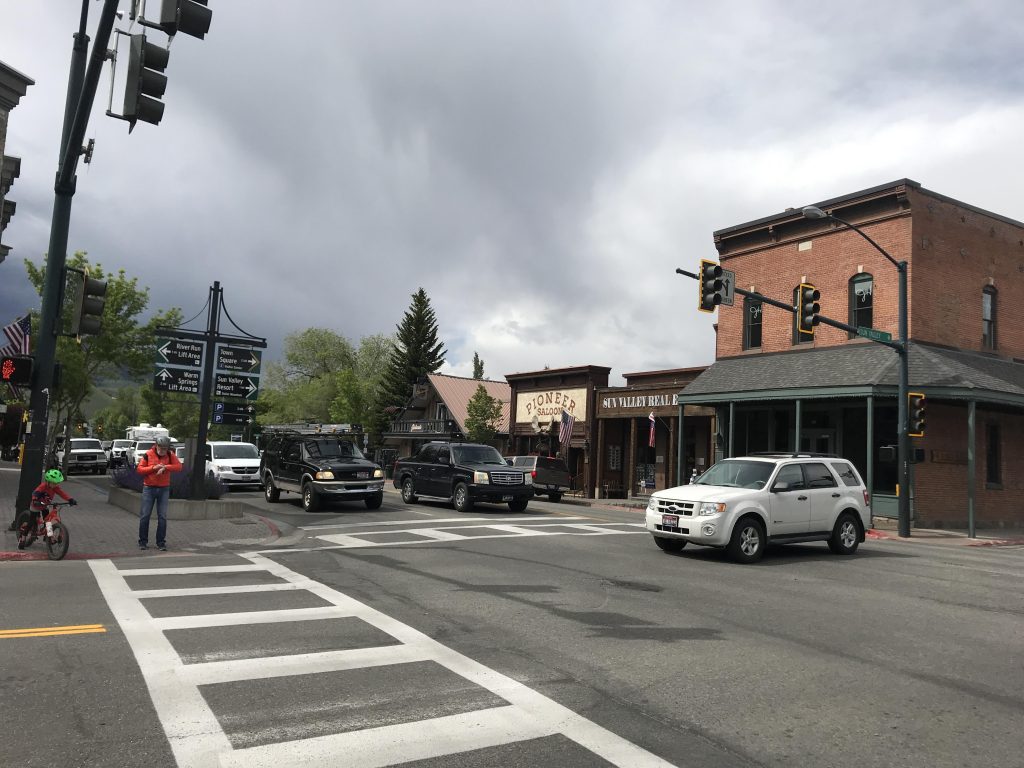
Went out for a walk. Ketchum is a classy ski town that has somehow kept all tackiness off its streets (looking at you, Breckenridge). The air smells really great.
Downtown Ketchum, ID
Went to a place called Lefty’s Bar and Grill. You order at the counter and then sit down. Reminded me of a British pub. Just about everyone seemed to know one another. I got there at 4:30 and day drinking was in full swing. Someone was holding a little baby. There’s a Super Bike video game machine.
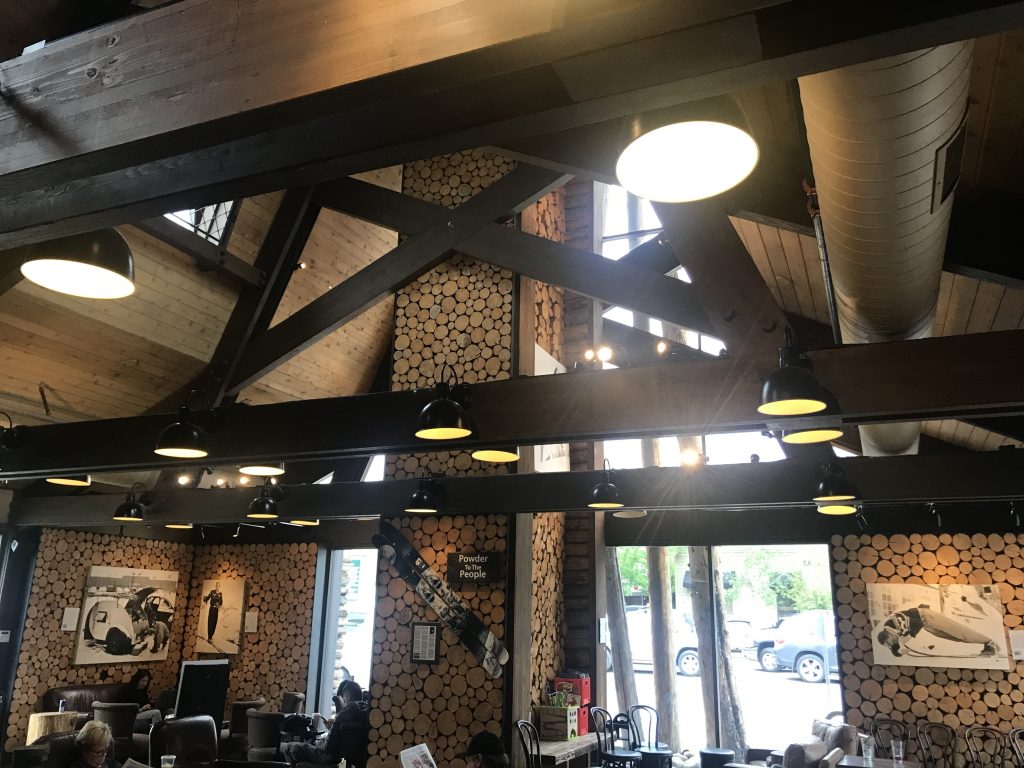
After that I stumbled into the town’s summer solstice celebration at the Town Square. Town Square is charming. On the square is a, yes, Starbucks, in ski lodge style with logs in all the walls.
Starbucks, Ketchum, ID
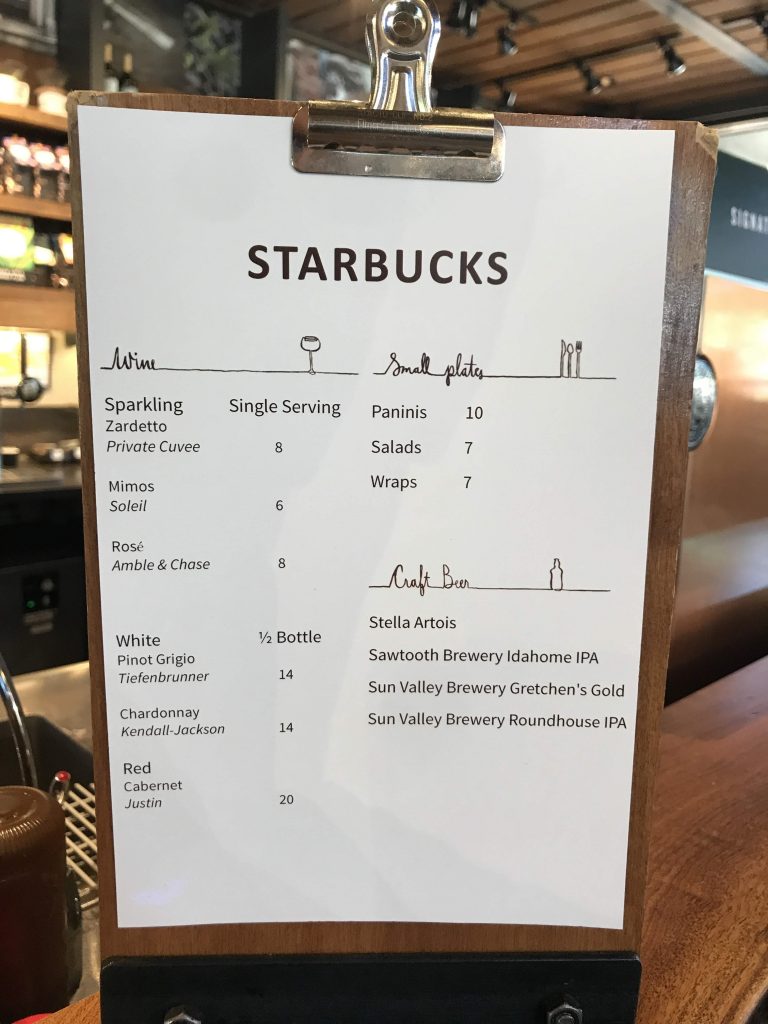
Local architect Susan Desko designed the conversion of a former bank in 2012. It has a Sun Valley Visitor Information Center and a community meeting room (the former bank vault) inside. This is among the unique Starbucks I’ve been to. It even serves beer and wine.